
Best eSIM for World Cup 2026 in Boston (7 Matches, Quarterfinal)
Gillette Stadium in Foxborough hosts 7 World Cup 2026 matches including a quarterfinal. A US travel eSIM installs before you fly and connects on landing at Boston Logan — from US$5, no SIM queue.
Published July 8, 2026·5 min read
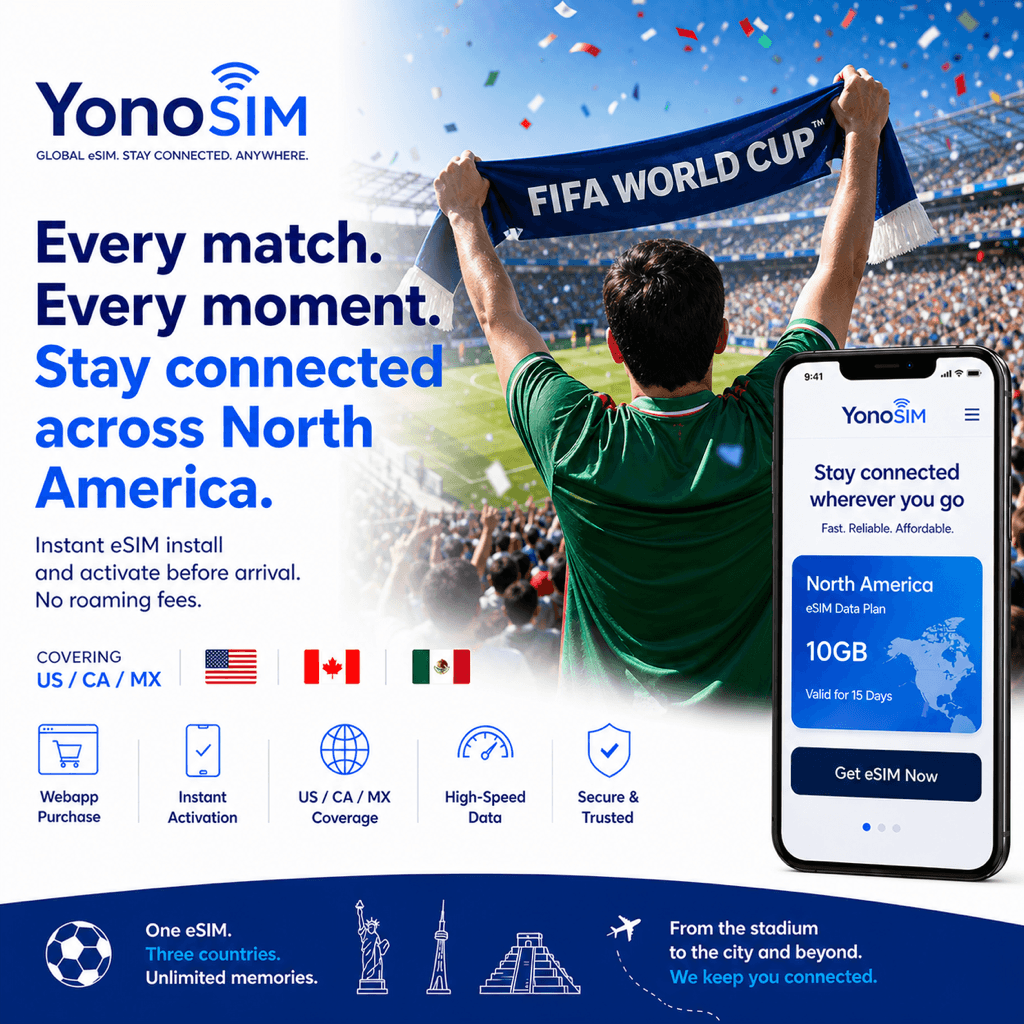
Summary
Gillette Stadium in Foxborough hosts 7 World Cup 2026 matches including a quarterfinal. The easiest way to stay connected is a US travel eSIM installed on home Wi-Fi before you fly: it connects the moment you land at Boston Logan (BOS), rides AT&T/T-Mobile/Verizon 4G/5G, and starts around US$5 — no airport SIM queue, no roaming bill.
Boston's World Cup role
According to FIFA, the Boston area stages 7 matches at Gillette Stadium in Foxborough, including a quarterfinal — so knockout-round fans fly into a busy Logan. Roaming here costs US$10–15 a day and airport SIM kiosks mean a passport and a line. A travel eSIM avoids both: install at home, and it activates on landing so you can sort the 40-minute run down to Foxborough right away.
eSIM vs prepaid SIM vs roaming
| Approach | Buy where | Ready when | Cost |
|---|---|---|---|
| US eSIM | Online, before you fly | On landing at BOS | From US$5 |
| Prepaid SIM | Airport kiosk / store | After the queue | US$20–40 |
| Home roaming | Nothing to buy | Already on | US$10–15/day |
eSIM vs roaming vs pocket Wi-Fi
| Option | Cost | Setup time | Coverage |
|---|---|---|---|
| eSIM | Low (US$5–25) | ~5 min (pre-install on Wi-Fi) | Excellent (national 5G) |
| Carrier roaming | High (US$10–15/day) | Instant (already enabled) | Medium (partner-dependent) |
| Pocket Wi-Fi | Medium | Airport pickup / rental | Good (extra device to charge) |
How much data, and getting to Foxborough
Budget 1–2 GB per day for maps, the MBTA Foxboro event train or a Route 1 rideshare, and mobile tickets in the FIFA app. A long weekend fits in about 3–5 GB; a week following your team across host cities wants 10 GB or more. Cache your ticket on hotel Wi-Fi before you leave Boston — Gillette holds more than 65,000 fans, and a saved ticket clears the gate even when the network is busy.
FAQ
QHow many World Cup 2026 matches does Boston host?
ABoston's venue, Gillette Stadium in Foxborough, hosts 7 World Cup 2026 matches, including a quarterfinal. A US travel eSIM keeps you connected across all of them from the moment you land.
QWhat is the best eSIM for the World Cup 2026 in Boston?
AA US travel eSIM installed on Wi-Fi before you fly is best for most fans. It routes through AT&T, T-Mobile, or Verizon 4G/5G, connects on landing at Boston Logan (BOS), and starts around US$5 — cheaper than roaming and quicker than an airport SIM.
QWill my eSIM work on the way to Gillette Stadium in Foxborough?
AYes. A US eSIM rides a national carrier, so you keep data on the MBTA Foxboro event train and on the road down Route 1 to Gillette Stadium. Cache your mobile ticket on Wi-Fi first as a backup for the 65,000-plus crowd.
QHow much data do I need for a Boston World Cup trip?
ABudget 1–2 GB per day for maps, transit and rideshare, and mobile tickets. A long weekend fits in about 3–5 GB, while a week of knockout travel wants 10 GB or more. US plans start around US$5.
Bottom line
For Boston's 7 World Cup 2026 matches and the quarterfinal at Gillette, a US travel eSIM is the cleanest choice: install at home, land at Logan with data on, and skip the passport queue and roaming bill. Browse the full lineup on YonoSIM's USA page.