
World Cup 2026 With Kids: A Family Stadium Guide
Taking kids to World Cup 2026? Every child needs their own mobile ticket, venues are cashless, and June–July heat is real. Here's a family checklist for tickets, bag rules, hydration, and staying reachable in the crowd.
Published June 11, 2026·5 min read
Summary
Taking kids to World Cup 2026 means three non-obvious rules: every child needs their own mobile ticket, venues are cashless, and the June–July heat is real. With the tournament starting June 11, 2026, here's a practical family checklist for tickets, bags, hydration, and staying reachable in the crowd.
Every child needs a ticket — and a phone to hold it
There is no lap-child exception. Per FIFA, every attendee needs a valid mobile ticket in the FWC2026 Mobile Tickets app, and the entry QR code only appears a few hours before kickoff. For a family, that usually means the parent holds each child's ticket in their own app account or transfers it to a second device. Our mobile ticket guide walks through the transfer step.
Family matchday checklist
| Item | Why it matters |
|---|---|
| A ticket per child | All ages need a mobile ticket & a seat |
| Clear bag + child-care bag | Clear-bag rule, with care-bag exception after check |
| Empty refillable bottles | Free water stations; beat the summer heat |
| Contactless card / phone wallet | Cashless concessions; no cash accepted |
Most venues enforce a small clear-bag policy but allow a separate child-care or medical bag after inspection. Confirm the exact dimensions in our stadium bag policy guide, and read the cashless payment guide before you queue for snacks.
Heat, naps, and pacing the day
Many June and July matches kick off in the afternoon, and open-roof stadiums get hot. Bring hats, high-SPF sunscreen, and refillable bottles, and build in shade and rest breaks. Roofed or air-conditioned venues like AT&T Stadium and NRG Stadium are easier on small kids; our summer heat packing guide has the full list.
eSIM vs roaming vs pocket Wi-Fi for World Cup travel
| Option | Cost | Setup time | Coverage |
|---|---|---|---|
| eSIM | Low | ~5 min (pre-install on Wi-Fi) | Excellent (local carrier) |
| Carrier roaming | High | Instant (already enabled) | Medium (partner-dependent) |
| Pocket Wi-Fi | Medium | Airport pickup / rental | Good (extra device to charge) |
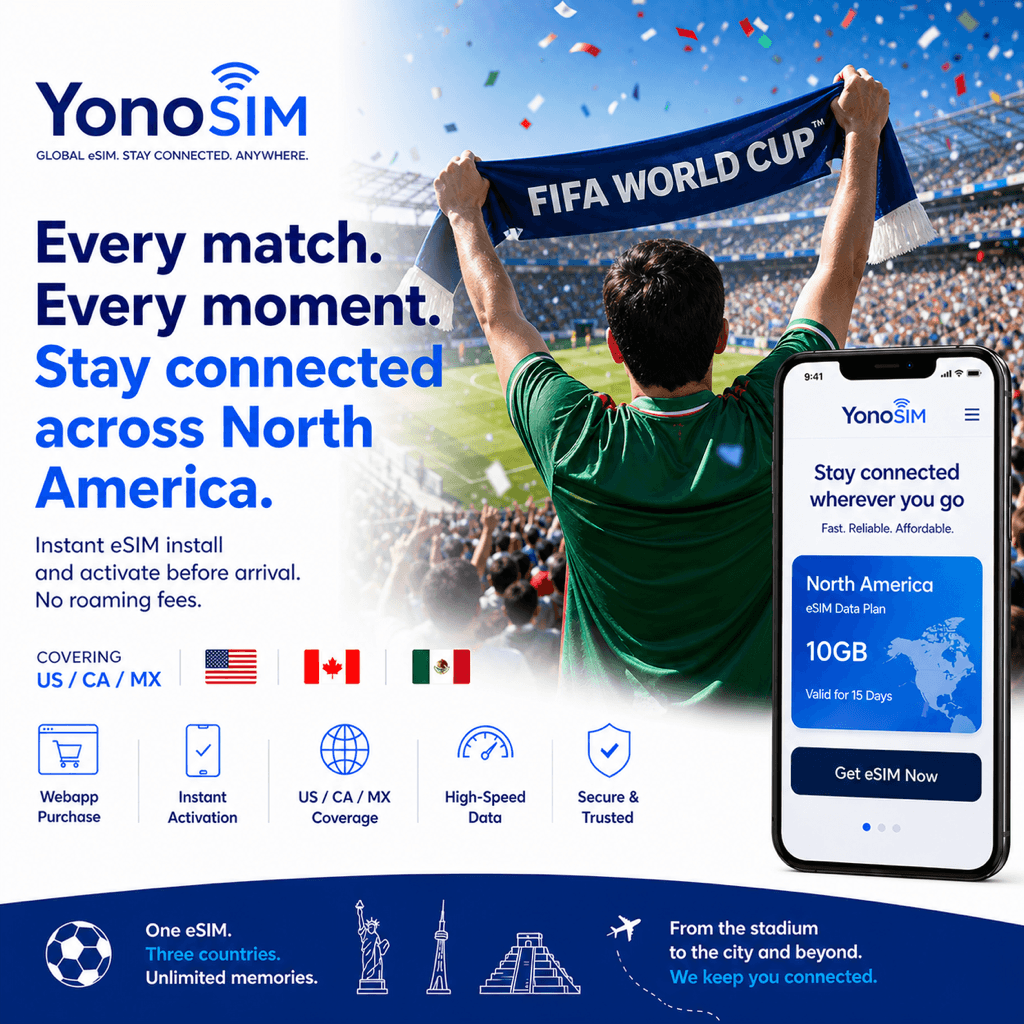
With kids, staying reachable is the whole game: agree a meeting point, share live location in your maps app, and make sure every family phone has data. A North America eSIM keeps each device online across the US, Canada, and Mexico on one plan — even when stadium Wi-Fi is overloaded — from US$5 with Apple Pay, Google Pay, or card.
FAQ
QDo children need their own ticket for World Cup 2026?
AYes. Every attendee, regardless of age, needs a valid mobile ticket in the FWC2026 Mobile Tickets app. There's no lap-child exception, so each child occupies a seat and needs a ticket.
QCan I bring a diaper bag into the stadium?
AUsually yes — most venues enforce a clear-bag policy but allow a separate child-care or medically necessary bag after inspection. Check your venue's exact size rules before matchday.
QHow do I keep my family cool in the June–July heat?
ABring empty refillable bottles for water stations, hats and sunscreen, and expect midday open-roof matches to be hot. Several venues have retractable roofs or air conditioning, which helps with small kids.
QHow do I stay reachable if we split up in the crowd?
AAgree a meeting point, share live location in your maps app, and make sure every phone has data. A local eSIM keeps family devices online when stadium Wi-Fi is overloaded.
Bottom line
Ticket per child, clear bag plus care bag, water and sunscreen, contactless payment, and data on every phone. Read the bag policy and heat guide, then grab a World Cup 2026 eSIM so the whole family stays connected across every host city.