
How Much Data for World Cup 2026? Plan Sizing for a 2-Week Trip
Budget ~1–1.5 GB per match day; a typical 2-week World Cup 2026 trip needs 10–15 GB for maps, the FIFA app, ride-hailing, WhatsApp, and social. Here's how to size your eSIM by activity — from US$3.
Published July 4, 2026·6 min read
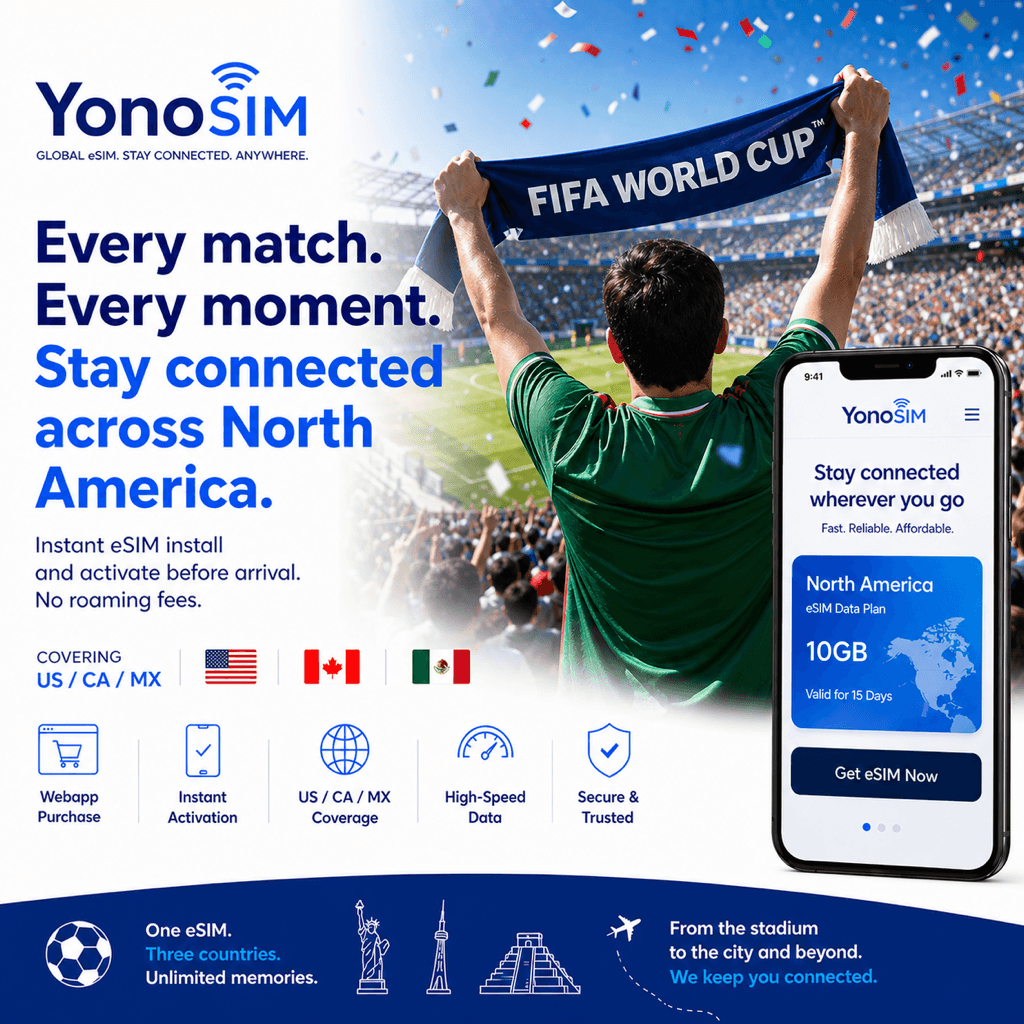
Summary
Budget ~1–1.5 GB per match day; a typical 2-week World Cup 2026 trip needs 10–15 GBfor maps, the FIFA app and ticket wallet, ride-hailing, WhatsApp, and social. Light users get by on 5–8 GB; heavy streamers should go unlimited. Plans run US$3–30 — and you can top up mid-trip if you cut it close on a knockout day.
What actually eats your data
Most fans overestimate the everyday apps and underestimate video. Maps, messaging, and ticket wallets are cheap; highlight clips and stories are where the gigabytes go. Here's a realistic per-activity breakdown so you can size a plan to how you travel rather than guessing. These are rules of thumb (see general usage guidance at WhistleOut) — your mileage varies with signal and video quality.
| Activity | Rough usage | On a match day |
|---|---|---|
| Google / Apple Maps | ~5 MB per 10 min | ~30–60 MB |
| FIFA app + mobile ticket wallet | Low | ~20–40 MB |
| Ride-hailing (Uber / Lyft / DiDi) | ~10–15 MB per trip | ~30–60 MB |
| WhatsApp calls home | ~5 MB per 10 min (voice) | ~50–100 MB |
| Social uploads / stories | ~1–5 MB each | ~150–300 MB |
| Live-score / feed streaming | Low–medium | ~50–150 MB |
| Match-highlight video (occasional) | ~100–150 MB per 10 min | ~150–300 MB |
Add it up and a normal match day lands around 1–1.5 GB. Non-match sightseeing days are lighter (maps and messaging only), so a two-week trip rarely runs flat-out every day.
Sizing a 2-week trip
Multiply your match days by ~1–1.5 GB, add a buffer for everyday browsing, and round up. For most fans following a team from the group stage into the knockouts — through to the final on July 19, 2026 at MetLife Stadium — that lands in the 10–15 GB range.
- Light (5–8 GB, ~US$3–12): maps, tickets, messaging, occasional stories. Mostly on hotel/cafe Wi-Fi.
- Typical (10–15 GB, ~US$12–22): daily ride-hailing, WhatsApp calls, steady social posting, some highlights.
- Heavy / streaming (unlimited, ~US$20–30): live match streams, long video calls, hotspot for a laptop.
eSIM vs roaming vs pocket Wi-Fi
| Option | Cost | Setup time | Coverage |
|---|---|---|---|
| eSIM | Low (US$3–22 / 5–15 GB) | ~5 min (pre-install on Wi-Fi) | Excellent (local carrier) |
| Carrier roaming | High (US$10–15/day) | Instant (already enabled) | Medium (partner-dependent) |
| Pocket Wi-Fi | Medium | Airport pickup / rental | Good (extra device to charge) |
Because eSIM plans are sold by the gigabyte, sizing matters: pick a plan that matches your estimate, then lean on the top-up option if a knockout day runs hot. Buying slightly more than you thinkis the cheap insurance — a spare gigabyte or two costs a few dollars, and running dry outside the stadium doesn't.
FAQ
QHow much data do I need per match day at World Cup 2026?
ABudget about 1–1.5 GB per match day. That covers Google/Apple Maps to the stadium, the FIFA app and your mobile ticket wallet, a few ride-hailing trips, WhatsApp calls home, social stories, and live-score checks. Streaming full highlights or video calls pushes it higher.
QHow many GB does a 2-week World Cup trip use?
AA light user needs 5–8 GB, a typical fan 10–15 GB, and heavy streamers should pick an unlimited plan. Plans run roughly US$3–30 depending on size, and most let you top up mid-trip if you run low.
QWhat uses the most data during the tournament?
AVideo is the big one — match highlights, live streams, and Instagram/TikTok stories burn far more than maps or messaging. Maps run ~5 MB per 10 minutes, WhatsApp text is negligible, but a 10-minute highlight clip can use 100–150 MB. Budget for the video you'll actually watch.
QShould I buy a bigger plan than I think I need?
AYes — buy slightly more than your estimate. Running out mid-match-day is worse than a dollar or two of unused data, and knockout days (the final is July 19, 2026 at MetLife) tend to spike usage. If you do run low, top up in-app in seconds with Apple Pay, Google Pay, or card.
Bottom line
Plan for ~1–1.5 GB per match day and a 10–15 GB plan for a typical 2-week trip; go light at 5–8 GB if you lean on Wi-Fi, or unlimited if you'll stream. Buy a little extra, keep the top-up option in your back pocket, and pay with Apple Pay, Google Pay, or card. Right-size once and you'll never think about data again on the way to the July 19 final.