
Skip the Airport SIM: USA Visitor eSIM vs Prepaid for World Cup 2026
The USA hosts 78 of the 104 World Cup 2026 matches, so plan connectivity ahead. A US visitor eSIM installs on Wi-Fi before you fly, while a prepaid SIM means a passport and an airport queue.
Published July 7, 2026·6 min read
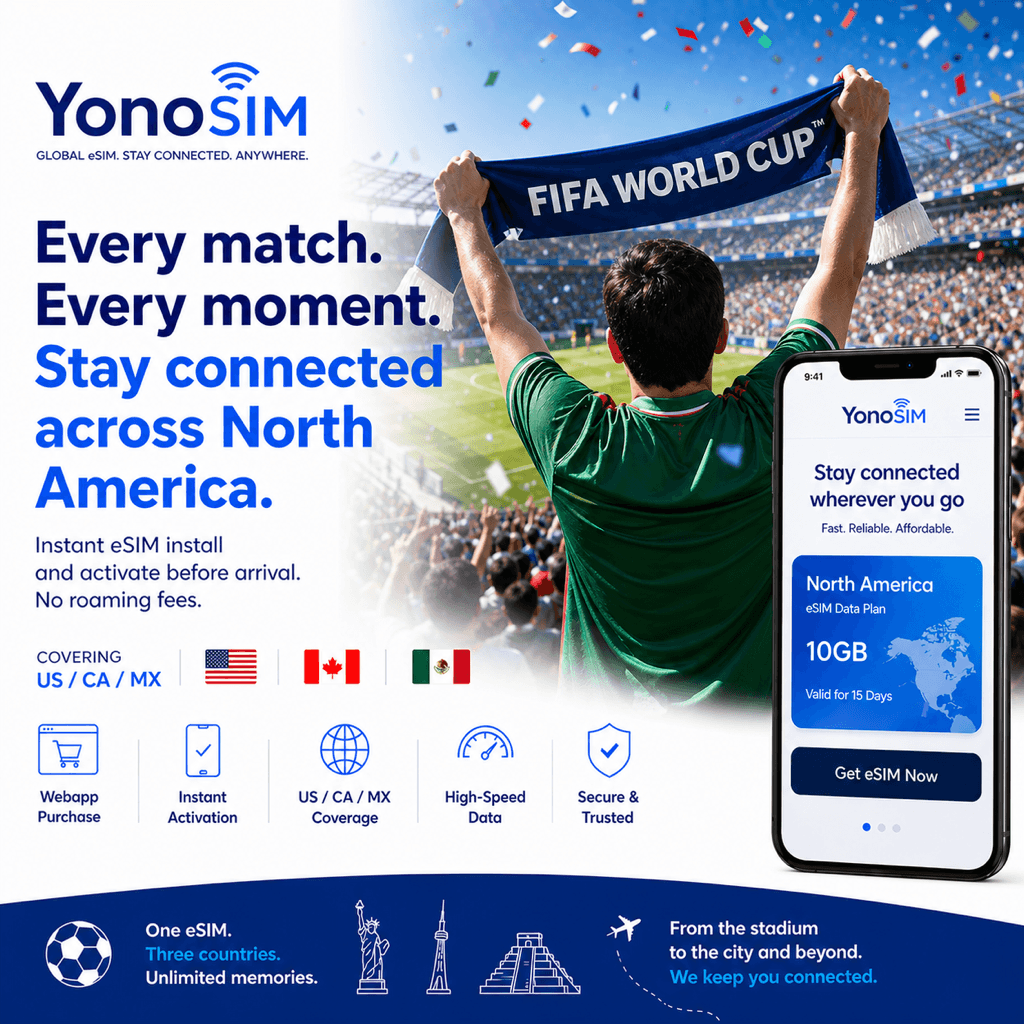
Summary
The USA hosts 78 of the 104 World Cup 2026 matches across 11 host cities, so connectivity is worth sorting before you land. A US visitor eSIMinstalls over Wi-Fi at home and connects automatically on arrival, while a US prepaid tourist SIM — such as the T-Mobile Tourist plan or AT&T PREPAID— usually means a passport and an airport queue. The eSIM starts from about US$5.
Prepaid SIM vs eSIM at a US airport
A prepaid tourist SIM is a physical card you buy in person, and US carriers typically ask for photo ID or a passport to register it — the T-Mobile Tourist plan and AT&T PREPAID are both sold at stores and airport kiosks, which during the tournament will have long lines and tourist-markup pricing. An eSIM skips all of that: you buy it online, install the profile over Wi-Fi, and it switches to a local network the moment you land at JFK, LAX, or MIA. Your rideshare app and maps work before you reach baggage claim, and there is no card to swap or lose.
Cost & setup: eSIM vs US prepaid SIM vs pocket Wi-Fi
| Approach | Setup | Cost | Notes |
|---|---|---|---|
| US visitor eSIM | Online, ~5 min on Wi-Fi | From ~US$5 | Auto-connects on landing, no passport |
| US prepaid SIM | In person, passport + queue | US$25–70 | Physical card, airport markup |
| Pocket Wi-Fi | Airport pickup / rental | US$30–50 | Extra device to charge and carry |
eSIM vs roaming vs pocket Wi-Fi
| Option | Cost | Setup time | Coverage |
|---|---|---|---|
| eSIM (USA) | Low (US$5–30 / trip) | ~5 min (pre-install on Wi-Fi) | Excellent (national 5G) |
| Carrier roaming | High (US$10–15/day) | Instant (already enabled) | Medium (partner-dependent) |
| Pocket Wi-Fi | Medium | Airport pickup / rental | Good (extra device to charge) |
Why the eSIM wins for World Cup visitors
US travel eSIMs route through one of the three national networks — T-Mobile, AT&T, or Verizon — so you get local-carrier 4G and 5G in all 11 host cities without a US billing account or a passport check. Size the plan to your trip: about 5 GB for a match weekend in one city, 10 GB for a group-stage week, and 20–25 GB if you follow a team across multiple hosts. Keep your home SIM active for calls and 2FA while the eSIM carries your data, and browse the full lineup on YonoSIM's USA page.
FAQ
QIs a US visitor eSIM better than a prepaid SIM at the airport?
AFor most World Cup 2026 visitors, yes. A US eSIM installs over Wi-Fi before you fly and connects automatically on landing, while a prepaid SIM usually needs an in-person purchase with your passport and a queue at an airport kiosk. The eSIM saves 20–40 minutes on arrival and starts from about US$5.
QDo I need a passport to buy a prepaid SIM in the USA?
AOften, yes. Tourist prepaid plans like the T-Mobile Tourist plan and AT&T PREPAID are typically sold in person, and staff usually ask for photo ID or a passport to register the SIM. An eSIM skips registration entirely — you buy it online and install it yourself.
QDo US networks cover all 11 World Cup host cities?
AYes. AT&T, Verizon, and T-Mobile each cover the vast majority of the US population with 4G and 5G in all 11 host cities, from Seattle to Miami. A travel eSIM routes through one of these national networks, so coverage matches a local prepaid SIM.
QHow much data do I need for a US World Cup trip?
ABudget 1–2 GB per day for maps, rideshare, and stadium tickets. A long weekend in one host city fits in about 5 GB, while a two-week multi-city run wants 20–25 GB. US plans start around US$5, so it is cheap to size up.
Bottom line
With the USA hosting 78 of the 104 matches across 11 cities, a US visitor eSIM beats a prepaid tourist SIM for most fans: no passport, no airport queue, and it auto-connects on landing from about US$5. Buy a prepaid SIM only if you need a US number for local calls — otherwise install the eSIM before you board and land already online.