
World Cup 2026 Language Guide: Translation Apps for Fans
World Cup 2026 spans three languages — English, Spanish, and French (in Canada). Venues offer multilingual services, but translation apps need data. Here's how to navigate signs, menus, and transit across all three host countries.
Published June 11, 2026·5 min read
Summary
World Cup 2026 spans three languages — English across the US and Canada, Spanish in Mexico, and French in bilingual Canada. FIFA says the 16 host venues offer multilingual services, but translation apps need data to shine. From the June 11, 2026 opener, here's how to read signs, menus, and transit across all three host countries.
Three countries, three languages
The tournament is split across the US, Canada, and Mexico, so the language on the street changes with the host city. US venues run in English, with Spanish widely spoken in cities like Los Angeles and Miami. The Mexico City, Guadalajara, and Monterrey host cities operate in Spanish, and Canadian signage and public services are frequently bilingual English/French even though Toronto and Vancouver are English-speaking.
Translation tools that actually help
| Tool | Best for |
|---|---|
| Google / Apple Translate (camera) | Menus, signs, ticket machines in Spanish/French |
| Conversation mode | Talking to drivers, vendors, hotel staff |
| Offline language packs | Backup when you briefly lose signal |
| FIFA World Cup 26 app | Multilingual schedules, maps, venue info |
Download offline packs for Spanish and French before you fly, but know the limits: camera translation, conversation mode, and live maps all work best online. The official app supports multiple languages and is the cleanest source for venue and transit info in your preferred language.
Where you'll lean on translation most
Expect to use it for Mexico City Metro signage, Spanish-only menus outside tourist zones, French transit notices in Canada, and quick chats with rideshare drivers. Pair translation with maps for host-city transit, and check our Mexico entry guide for arrival logistics.
eSIM vs roaming vs pocket Wi-Fi for World Cup travel
| Option | Cost | Setup time | Coverage |
|---|---|---|---|
| eSIM | Low | ~5 min (pre-install on Wi-Fi) | Excellent (local carrier) |
| Carrier roaming | High | Instant (already enabled) | Medium (partner-dependent) |
| Pocket Wi-Fi | Medium | Airport pickup / rental | Good (extra device to charge) |
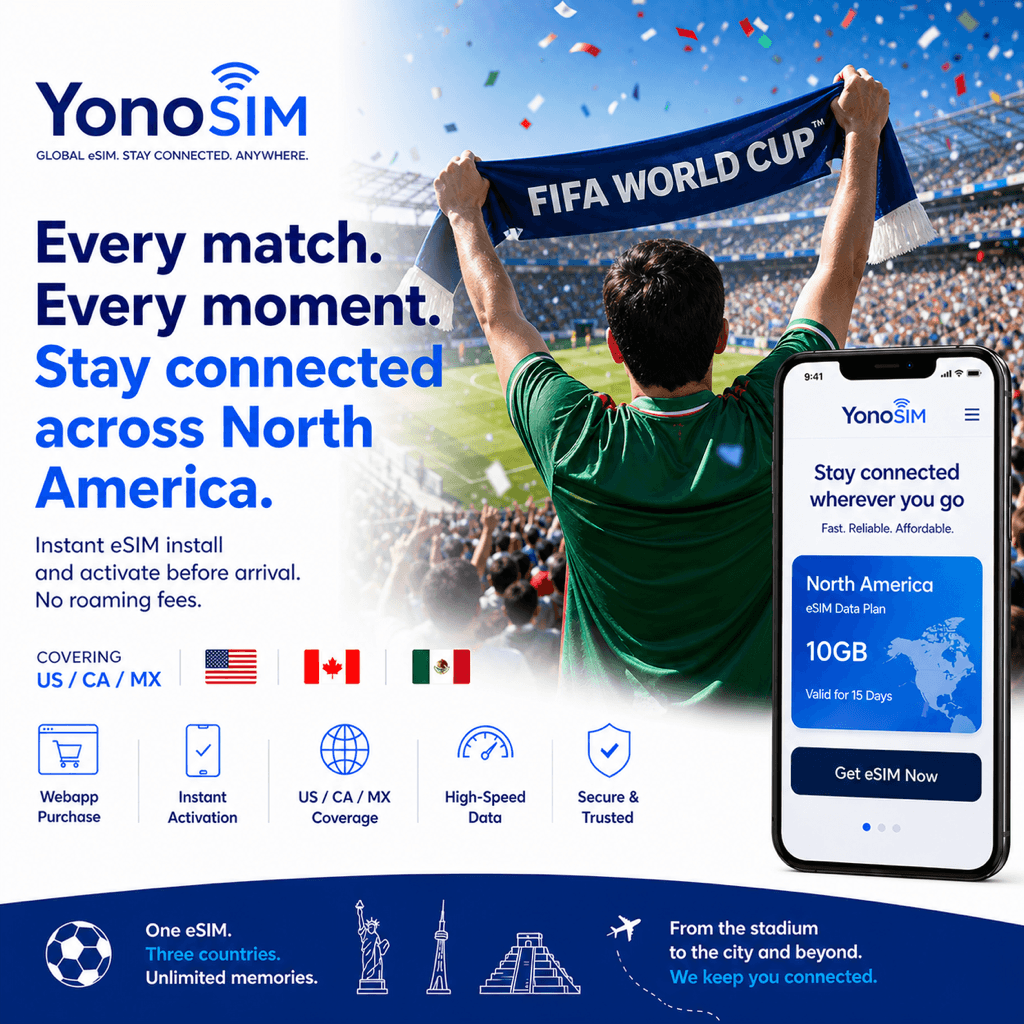
Translation is only as good as your connection. A North America eSIM keeps Google Translate, Apple Translate, and maps live across the US, Canada, and Mexico on one plan, so a Spanish menu in Monterreyor a French transit sign in Canada is one camera tap away — from US$5 with Apple Pay, Google Pay, or card.
FAQ
QWhat languages will I encounter at World Cup 2026?
AEnglish across the US and Canada, Spanish in Mexico and many US host cities, and French in bilingual Canada. Toronto is English-speaking, but Canadian signage and services are often bilingual English/French.
QDo World Cup 2026 venues offer help in multiple languages?
AYes — FIFA says the 16 host venues provide multilingual services alongside cashless payments and high-speed connectivity. The official FIFA World Cup 26 app also supports multiple languages.
QWhich translation app works best abroad?
AGoogle Translate and Apple Translate both handle English, Spanish and French, with camera translation for signs and menus. Download offline packs as backup, but live features and maps still need data.
QDo translation apps work without mobile data?
AOffline packs handle basic text, but camera translation, conversation mode, and map directions work best online. A local eSIM keeps translation and navigation running across all three host countries.
Bottom line
Install a translation app, grab offline Spanish and French packs, and keep data on for camera mode and maps. Plan your routes with the transit guide, and grab a World Cup 2026 eSIM so translation works in every host city on one plan.