
World Cup 2026 eSIM Setup: Get Online Before Opening Weekend
Install a North America eSIM before June 11 and land online across Mexico, the USA, and Canada. Here is the step-by-step setup, what to do on arrival, and why it beats roaming for opening weekend.
Published June 10, 2026·5 min read
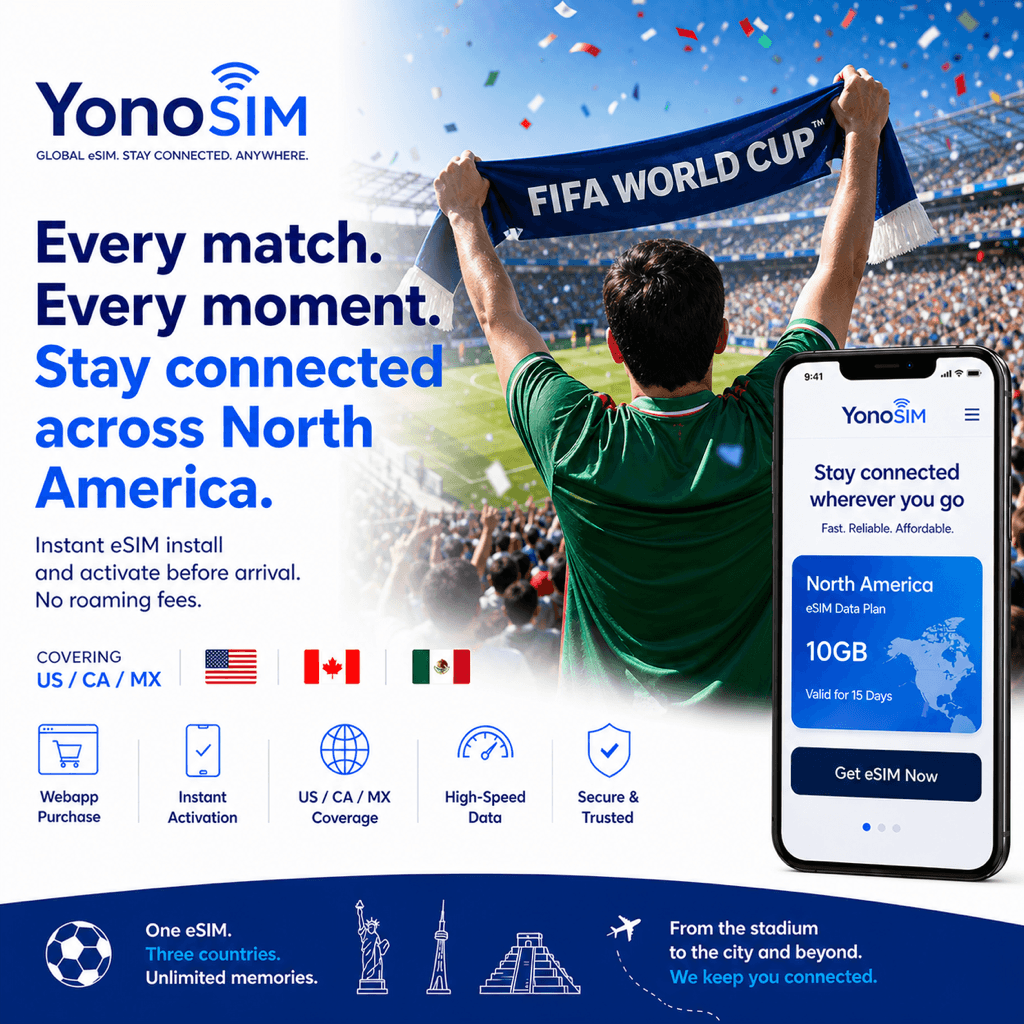
Summary
Install a North America eSIM on home Wi-Fi a day or two before you fly and you will land online across all three host countries — in time for the June 11 opener, Mexico vs South Africa at Estadio Azteca. Setup takes about five minutes. Here is the step-by-step, what to do on arrival, and why it beats roaming.
Why an eSIM for the World Cup
The 2026 tournament spans Mexico, the USA, and Canada, and almost everything you do on the ground runs on data: mobile-only tickets in the FIFA World Cup 26™ App, ride-hailing from stadiums, transit apps, maps, translation, and Fan Festival streams. Carrier roaming across three countries adds up fast, while a single North America eSIM keeps you on a local network the whole way through. For the broader case, see our World Cup 2026 eSIM guide.
Set up in five steps
| Step | What to do |
|---|---|
| 1. Check compatibility | Confirm your phone supports eSIM and is carrier-unlocked |
| 2. Buy before you fly | Pick a North America plan; pay with Apple Pay, Google Pay, or card |
| 3. Install on Wi-Fi | Scan the QR code or use one-tap install — about 5 minutes |
| 4. Label your lines | Keep your home line for calls/texts; set the eSIM for data |
| 5. Activate on arrival | Turn on the eSIM and enable data roaming for that line when you land |
Install before you leave so you are online the moment you land — no airport Wi-Fi hunt before kickoff. Pair this with our opening-weekend fixtures list and travel logistics guide.
eSIM vs roaming vs pocket Wi-Fi
If you are weighing the alternatives, here is the quick comparison for World Cup travel across three countries.
| Option | Cost | Setup time | Coverage |
|---|---|---|---|
| eSIM | Low | ~5 min (pre-install on Wi-Fi) | Excellent (local carrier) |
| Carrier roaming | High | Instant (already enabled) | Medium (partner-dependent) |
| Pocket Wi-Fi | Medium | Airport pickup / rental | Good (extra device to charge) |
North America eSIM plans start from US$5 and scale by data and duration for fans staying through the group stage — paid with Apple Pay, Google Pay, or card, no deposit or contract.
FAQ
QWhen should I install my World Cup 2026 eSIM?
AInstall on home Wi-Fi a day or two before you fly. eSIMs set up in about 5 minutes; pre-installing means you land online without hunting for airport Wi-Fi before the June 11 opener, then just enable the line on arrival.
QDoes one eSIM work in Mexico, the USA, and Canada?
AYes — a North America eSIM covers all three host countries. You stay connected as you cross borders to follow matches without switching SIMs or paying daily roaming fees.
QIs my phone compatible with an eSIM?
AMost phones from 2019 onward support eSIM. That includes recent iPhone, Samsung Galaxy, and Google Pixel models; check Settings for an "Add eSIM" option and make sure the phone is carrier-unlocked.
QHow much does a World Cup 2026 eSIM cost?
APlans start from US$5. They scale by data and duration for fans staying through the group stage; pay with Apple Pay, Google Pay, or card, with no deposit or contract.
Bottom line
Five minutes on your home Wi-Fi now saves you a roaming headache later. Install a North America eSIM before you fly, label your lines, and switch it on when you land — so tickets, maps, and streams just work from the June 11 opener through the group stage.