
Is My Phone Carrier-Locked? How to Check Before You Buy a Travel eSIM (2026)
A carrier-locked phone accepts SIMs and eSIMs only from the carrier that sold it. On iPhone, Settings › General › About shows "No SIM restrictions" next to Carrier Lock when the phone is unlocked. Phones sold in the UK, Canada and Japan have been unlocked by law since 2017–2021; in the US it depends on your carrier and how long you have had the phone.

Published November 3, 2026·7 min read
30-day auto-refund on no usageSummary
A carrier-locked phone only accepts SIM cards and eSIM profiles from the carrier that sold it, so a travel eSIM will install and then refuse to connect. On iPhone, open Settings › General › About: Apple says the phone is unlocked when No SIM restrictions appears next to Carrier Lock. Android has no universal indicator; a second carrier's SIM, or the carrier itself, gives the answer.
Phones sold in the UK (since 17 December 2021), Canada (since 1 December 2017) and Japan (since October 2021) are unlocked by law. In the US it depends on the carrier: 60 days at AT&T, 40 days at T-Mobile, and a fully paid balance at Verizon under its 2026 policy. Only the locking carrier can remove the lock; Apple, Google and Samsung cannot.
What is a carrier-locked phone?
A carrier lock, also called a SIM lock or network lock, is a restriction the selling carrier writes into the phone so that it only works with that carrier's SIMs. Put another company's SIM in and the phone rejects it; Apple's unlocking article gives the message a locked iPhone shows as “The SIM card inserted in this iPhone does not appear to be supported.” Google's Pixel help says a carrier-bought phone “could be SIM-locked for up to 2 years” and can get service only from that provider until the lock is removed or the contract ends.
The lock lives on the handset and is keyed to its IMEI, which is why a factory reset, a new SIM tray or a new eSIM profile does not clear it, and why the carrier asks for the IMEI when you request an unlock. Verizon's policy page gives the reason carriers lock at all: to deter theft and subsidy fraud on phones sold below cost.

How to check if your iPhone is unlocked
- Open Settings, tap General, then About.
- Scroll to the Carrier Lock row. On iOS 14 and 15 it was labelled Network Provider Lock.
- No SIM restrictions means unlocked. A carrier name, or SIM locked, means locked to that carrier.
iPhone
Settings › General › About
Unlocked
Apple's wording: if No SIM restrictions appears next to Carrier Lock, the iPhone is unlocked. A carrier name here means only that carrier can remove the lock.
iPhone, locked
Settings › General › About
Locked
AT&T's support pages describe this reading as a currently carrier-locked device. A travel eSIM will install here and then fail to connect.
Apple is explicit that it cannot unlock a phone itself: “Only your current carrier can unlock your iPhone.” If the carrier has confirmed the unlock and the row has not changed, Apple's steps are to restart with a different SIM in place, or restore the phone, then contact the carrier again.
How to check if an Android phone is unlocked
Neither Google nor Samsung documents a Settings screen that shows lock status, and many Android builds have no such row at all. Three checks that do work, in order of reliability:
| Check | How | What it tells you |
|---|---|---|
| Second-carrier SIM | Borrow a SIM from a different carrier and insert it | An unlock-code prompt or no service means locked; a working signal means unlocked |
| Ask the seller | Contact the carrier you bought it from, quoting the IMEI from *#06# | The only answer that is authoritative; carriers can also start the unlock |
| Settings row | Pixel: About phone › SIM status. Samsung: Connections › More connection settings › Network Unlock, or About phone › Status information | Present on some carrier builds; absence proves nothing |
Google Pixel
Settings › About phone › SIM status
Not always there
Google documents no Settings row for lock status. Some carrier firmware adds one here; if yours does not, use the second-SIM test or ask the carrier.
Any phone
Phone app › keypad › dial *#06#
Device Info
- IMEI
- 35 XXXXXX XXXXXX X
- IMEI2
- 35 XXXXXX XXXXXX X
Does a carrier lock block a travel eSIM?
Yes. Apple's guide to using eSIM while travelling internationally states that to use a local eSIM abroad “your iPhone cannot be locked to a carrier,” and repeats the No SIM restrictions check. The lock does not care whether the profile arrived on plastic or by QR code. In practice a locked phone downloads the travel eSIM without complaint, shows the new line in Settings, and then sits on No Service or SOS once the home SIM is switched off for data. That is the most common reason a phone that passes every compatibility check still fails on arrival.
Every YonoSIM eSIM is refundable within 30 days if it has not been activated, so a locked phone discovered at the gate does not cost you the plan. It does cost you data on day one, which is why the check belongs in the week before the flight, not the hour after landing.
Where phones are sold unlocked by law
| Market | Rule | In force | Source |
|---|---|---|---|
| United Kingdom | Mobile companies banned from selling locked handsets; existing locks removed free on request | 17 Dec 2021 | Ofcom |
| Canada | All new devices sold unlocked; unlocking free on request for older devices (Telecom Regulatory Policy CRTC 2017-200) | 1 Dec 2017 | CRTC |
| Japan | SIM lock banned on phones put on sale from October 2021; unlock fees abolished for all channels from 1 Oct 2023 | Oct 2021 | MIC |
| United States | No federal rule yet; FCC proposed a 60-day universal unlock in July 2024 (WT Docket 24-186), still pending. Each carrier sets its own policy | carrier by carrier | FCC |
| European Union | No EU-wide ban found; the Electronic Communications Code leaves locking to national rules, so practice varies by country | national | EECC (Directive 2018/1972), art. 105 |
US carrier unlock rules in 2026
| Carrier | Postpaid | Prepaid | How fast once eligible |
|---|---|---|---|
| AT&T | Bought more than 60 days ago and paid in full | 6 months of service | Request at att.com/deviceunlock; confirmation email, then about 2 business days |
| T-Mobile | Active 40 days on the requesting line, financing paid off | 365 days since activation | Automatic remote unlock within 2 business days of eligibility |
| Verizon | Devices bought on or after 27 Jan 2026: unlocked once paid in full | Activated on or after 20 Jan 2026: 365 days of paid service | Automatic; 35-day hold if the balance was paid with a Verizon gift card. Devices bought before those dates still unlock 60 days after activation |
The Verizon change is the one that catches travellers in 2026. Until January, Verizon phones unlocked themselves 60 days after activation under a condition in the company's 700 MHz spectrum licence. The FCC waiver of 12 January 2026 let Verizon move to the industry standard instead, so a phone financed on a 36-month plan now stays locked until the last instalment, or until you pay it off early. The FCC's proposed 60-day rule for every carrier was adopted as a proposal on 18 July 2024 and had not been finalised as of November 2026.
How to get unlocked before a trip
- Two weeks out, check the row. iPhone: Settings › General › About. Android: the second-SIM test or a call to the carrier.
- Confirm eligibility against the table above: time on the network, balance paid, account in good standing, phone not reported lost or stolen.
- Request the unlock through the carrier's portal or app with the IMEI from
*#06#. Deployed US military personnel have a separate fast path at all three carriers. - Restart with the travel eSIM as the data line. On iPhone the About row should flip to No SIM restrictions; on Android, the other carrier's SIM should get signal with no code prompt.
- Install the eSIM on home Wi-Fi following the iPhone or Android guide, and leave it switched off until you land.

If the phone stays locked
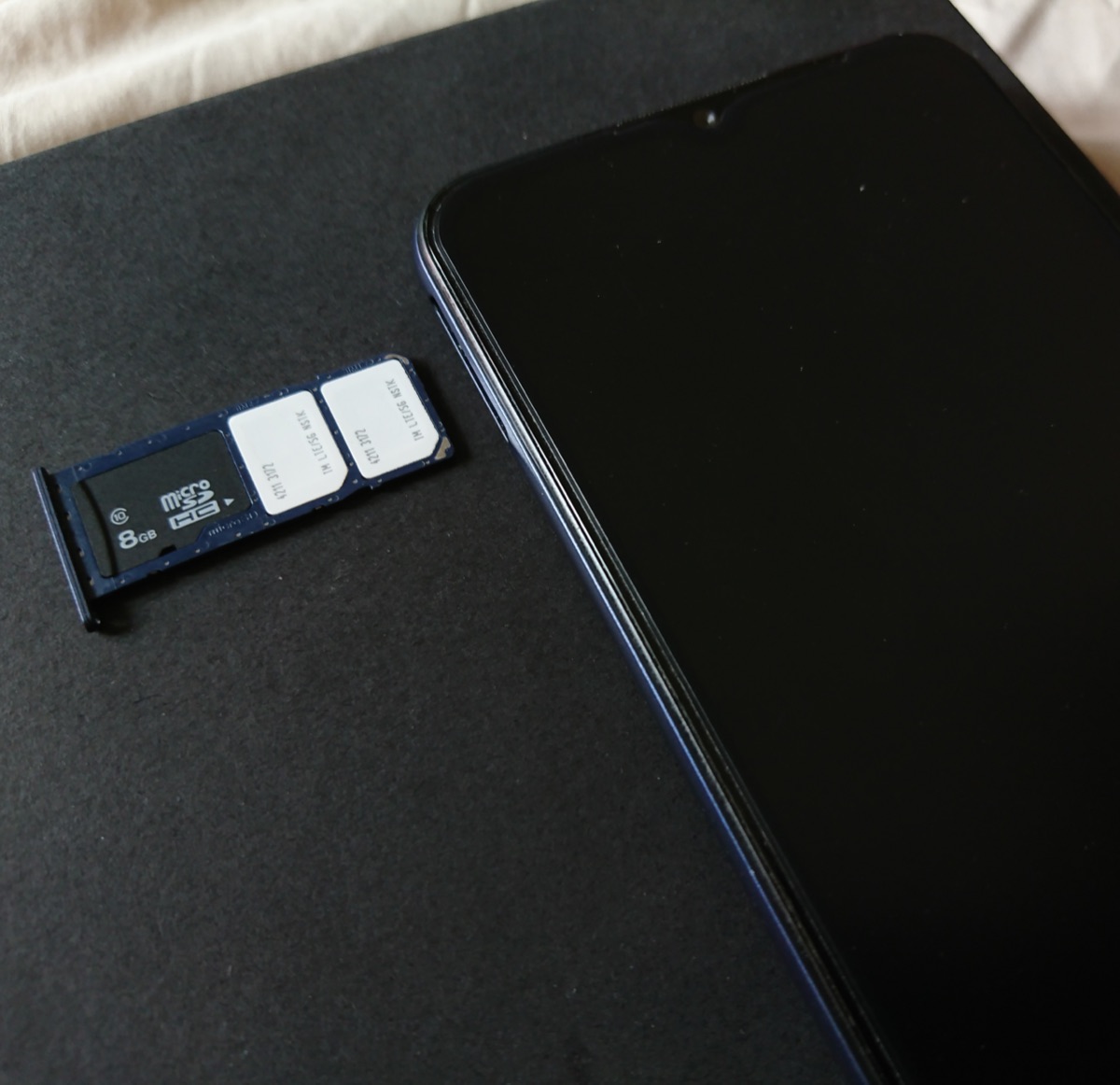
If you are inside the eligibility window or still paying the phone off, you have three options that work on the day: pay the balance early and wait out the carrier's hold, use your home carrier's roaming pass (compare the cost in travel eSIM vs roaming), or put the eSIM on a second, unlocked phone and share its data by hotspot. Third-party “IMEI unlock” services are not worth the money or the risk: the carrier databases they claim to edit are the same ones the carrier will unlock for free once you qualify.
FAQ
QWhat is a carrier-locked phone?
AA carrier-locked phone has a software restriction, set by the carrier that sold it, so that it only works with that carrier's SIM cards and eSIM profiles. Any other carrier's SIM is rejected, usually with a message that the SIM is not supported. The lock sits on the handset and is tied to its IMEI, so it survives a factory reset and a new SIM tray.
QHow do I check if my iPhone is unlocked?
AOpen Settings, tap General, then About, and look at the Carrier Lock row. Apple's wording is that if "No SIM restrictions" appears next to Carrier Lock, the iPhone is unlocked. If a carrier's name appears instead, or the row reads SIM locked, the phone is locked to that carrier and only they can unlock it.
QHow do I check if my Android phone is unlocked?
AAndroid has no single screen that reliably shows lock status. The dependable checks are to put a friend's SIM from a different carrier in the phone and see whether it asks for an unlock code, or to ask the carrier that sold the phone, quoting the IMEI from *#06#. Google notes that a Pixel bought from a carrier can be SIM-locked for up to two years, while every phone sold by the Google Store or Samsung's own store is unlocked.
QWill a travel eSIM work on a locked phone?
ANo. Apple's own guidance for using an eSIM abroad says the iPhone cannot be locked to a carrier. The lock applies to eSIM profiles as well as physical SIMs, so a locked phone will download the profile and then refuse to connect. Get the phone unlocked before the trip, or use a pocket Wi-Fi or a second, unlocked phone.
QHow long does it take to unlock a phone?
AOnce you are eligible, days rather than weeks. T-Mobile says it unlocks eligible devices automatically within two business days, AT&T responds to unlock requests within about two business days, and Verizon unlocks when the device is paid off, with a 35-day hold if the balance was paid with a Verizon gift card. Eligibility is the slow part: 60 days at AT&T, 40 days at T-Mobile, and a fully paid balance at Verizon under its 2026 policy.
QAre phones sold unlocked in the UK, Canada and Japan?
AYes. Ofcom banned the sale of locked handsets in the UK from 17 December 2021, the CRTC required all new phones in Canada to be sold unlocked from 1 December 2017 and made unlocking free on request, and Japan's Ministry of Internal Affairs and Communications banned SIM locks on phones sold from October 2021. A phone bought on contract before those dates can still be locked and must be unlocked by the carrier, free of charge in all three countries.
Related guides
- What is an eSIM and how does it work?
- What is an SM-DP+ address?
- What is an EID number?
- IMEI vs EID vs ICCID
- What is an ICCID number?
- Is my phone eSIM compatible?
- Does an eSIM have a phone number?
- eSIM compatible devices (full list)
- How much data do I need for travel?
- How to check data usage on iPhone and Android
- Can you hotspot a travel eSIM?
- What does airplane mode do?
- eSIM setup on iPhone and Android
- How to activate an eSIM on iPhone
- How to activate an eSIM on Android
- Data roaming on or off?
Originally published on www.yonosim.com/en/blog/carrier-locked-phone-esim-2026 · YonoSIM — You Only Need One SIM