
What Is an EID Number? How to Find Your Phone's eSIM ID (2026)
The EID is the 32-digit serial number of the eSIM chip inside your phone. If your phone has one, it supports eSIM. Here is where to find it on iPhone, Pixel and Samsung, what carriers use it for, and why a QR-code travel eSIM never needs it.

Published November 3, 2026·6 min read
30-day auto-refund on no usageSummary
An EID number is the 32-digit serial number of the eSIM chip inside your phone. Find it on iPhone under Settings › General › About, on Pixel under About phone › SIM status, or on almost any phone by dialling *#06#.
If your phone shows an EID, it can use an eSIM. You do not need it to install a travel eSIM from a QR code; only carriers that push an eSIM directly to your phone ask for it.
What is an EID number?
EID stands for eUICC identifier. The eUICC is the eSIM chip itself: a tiny, soldered-in version of a SIM card that can hold several carrier profiles at once. Google's Pixel help pages expand EID as Embedded Identity Document, and state the rule plainly: to use a mobile network a phone needs an IMEI, and to use an eSIM it also needs an EID.
The number is 32 digits long and is written into the chip at the factory. It never changes. Install five travel eSIMs over five trips and the EID stays the same; what changes is the profile, and each profile has its own ICCID.

EID vs IMEI vs ICCID
Three numbers, three different things. This is the one table worth remembering:
| Number | Identifies | Length | Changes when |
|---|---|---|---|
| EID | The eSIM chip | 32 digits | Never |
| IMEI | The phone's radio, one per SIM slot | 15 digits | Never |
| ICCID | One SIM or eSIM profile | 19 to 20 digits | Every new SIM or eSIM |
How to find your EID number on iPhone
- Open Settings, tap General, then About.
- Scroll down to EID. Touch and hold to copy it.
- No phone to hand? Connect it to a Mac, select it in Finder, and click the phone number under the device name. Apple says that view lists the EID, IMEI and ICCID.
iPhone
Settings › General › About
Scroll down
EID sits below the network rows, near IMEI and ICCID. Tap and hold the row to copy the full 32 digits instead of reading them off the screen.
Every iPhone from the XS and XR onward has an eSIM chip, according to Apple. The one regional exception worth knowing is China mainland, where Apple lists only a handful of recent models with eSIM. Those phones show no EID at all.
How to find your EID number on Android
Google Pixel
Settings › About phone › SIM status
Pixel: one level down
Google lists the EID under About phone › SIM status. The IMEI numbers sit one level up, directly on About phone.
Samsung Galaxy
Settings › About phone
Samsung: look in Status information
Samsung documents IMEI under About phone. On eSIM models the EID is listed on the same screen or one tap deeper in Status information, depending on One UI version and carrier.

The *#06# shortcut
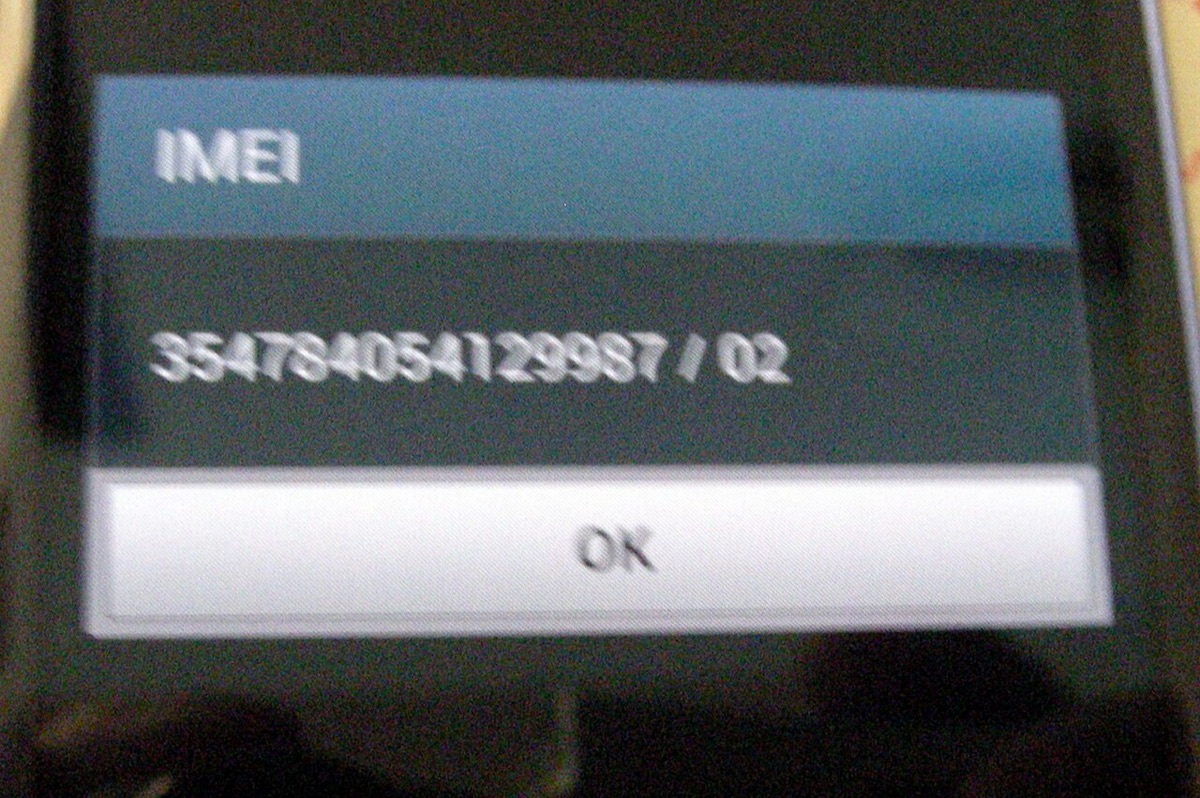
Open the phone app, go to the keypad and dial *#06#. You do not press call. A box appears with the device identifiers. It always shows the IMEI, and on iPhones and most recent Android phones it also shows the EID. Samsung notes that the code depends on carrier support, so if nothing appears, use Settings.
Any phone
Phone app › keypad › dial *#06#
Device Info
- EID
- 8904 XXXX XXXX XXXX XXXX XXXX XXXX XXXX
- IMEI
- 35 XXXXXX XXXXXX X
- IMEI2
- 35 XXXXXX XXXXXX X

What is the EID used for?
- Carrier push activation. Some carriers send an eSIM straight to a known chip instead of handing you a QR code. Samsung calls this eSIM Simple Setup. The carrier needs your EID to target it.
- In-store activation. A store agent may scan the EID barcode on the box or the EID QR code on a Pixel screen.
- Support and transfers. When an eSIM download fails, a carrier can look up which chip tried to download which profile.
- Proof the phone supports eSIM. The cheapest compatibility test there is. More on that in is my phone eSIM compatible?
Why a provider may ask for your EID
A carrier at home might, for the push activation above. A travel eSIM provider should not need to. Every YonoSIM plan installs from a QR code or by typing the SM-DP+ address and activation code, and the phone hands the server what it needs during the download. We never ask for your EID at checkout. If a seller insists on it before you have paid, ask why.

If your phone has no EID
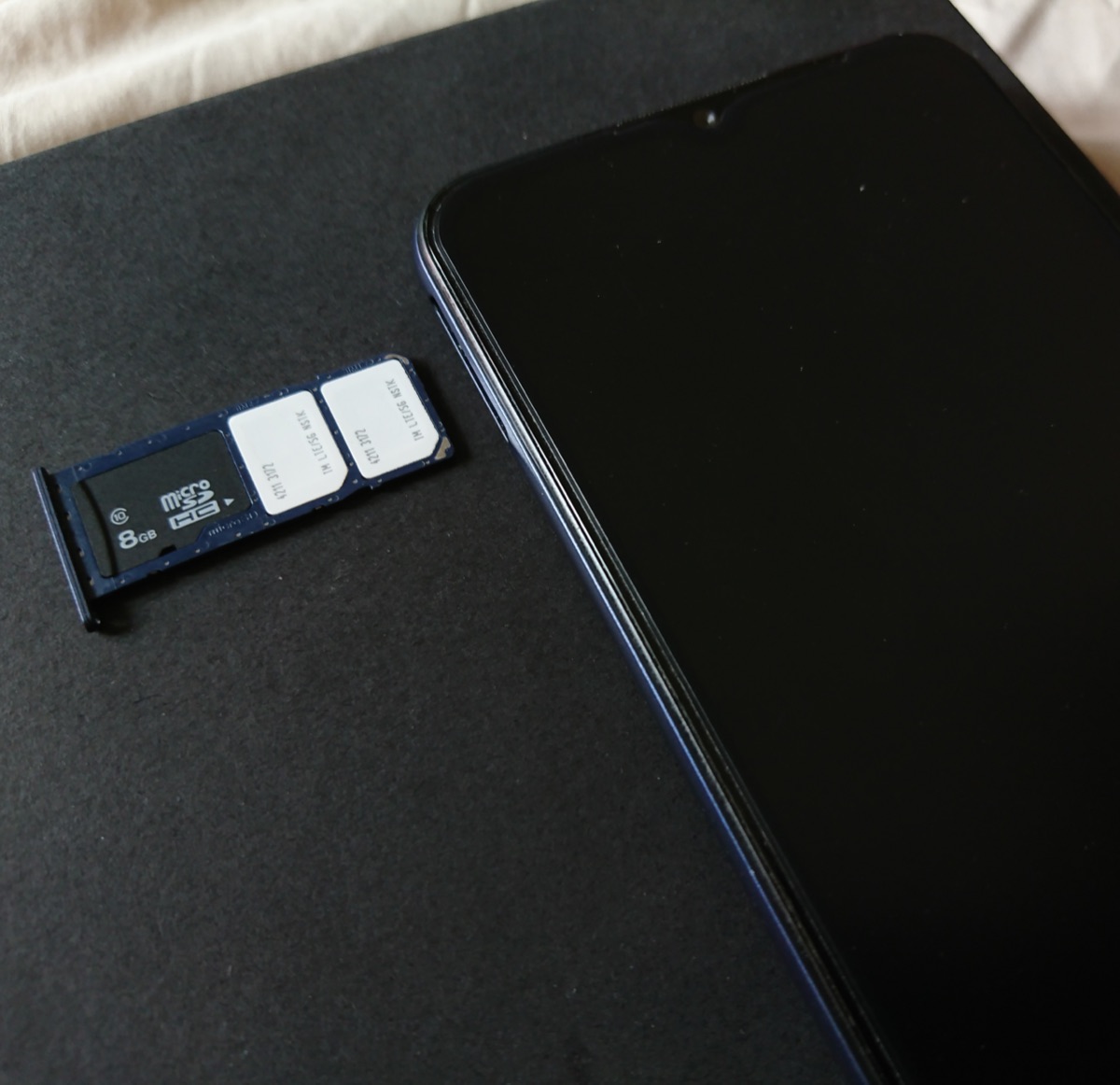
No EID in Settings and none on *#06# means the phone has no eSIM chip, or that model variant had it removed. The second case is common with phones sold in mainland China and with some budget Android models. Check the model on our compatible devices list. If it is genuinely missing, a travel eSIM will not install, and a local physical SIM is the fallback.
If the EID is there, you are ready. Install following the iPhone guide or the Android guide, then set roaming the right way round using data roaming on or off.

FAQ
QWhat is an EID number?
AThe EID (eUICC identifier) is the permanent serial number of the eSIM chip soldered inside your phone. It is 32 digits long. It identifies the chip, not your phone line, so it stays the same no matter how many eSIM profiles you install or which carrier you use. Google calls it the Embedded Identity Document on Pixel phones.
QHow do I find my EID number on iPhone?
AOpen Settings, tap General, tap About, and scroll down until you see EID. You can also connect the iPhone to a Mac, select it in Finder and click the phone number under the device name to show EID, IMEI and ICCID. Dialling *#06# on the keypad usually shows it too.
QHow do I find my EID number on Android?
AOn a Google Pixel, open Settings, tap About phone, tap SIM status and look for EID. Samsung Galaxy phones list it under Settings > About phone, usually in Status information. On any brand, dialling *#06# is the fastest check. If no EID appears anywhere, that phone has no eSIM chip.
QDo I need my EID to buy a travel eSIM?
ANo. Travel eSIMs, including YonoSIM, are installed with a QR code or an activation code, and the phone sends whatever the server needs during the download. You only need to give out your EID when a carrier wants to push an eSIM straight to your phone, for example during an in-store activation.
QIs it safe to share my EID number?
ASharing it with your own carrier is normal. It is not a password and nobody can use it alone to take over your line. It is still a unique hardware identifier, so there is no reason to post it publicly or give it to anyone who is not setting up service for you.
QDoes my EID change if I change carrier or delete an eSIM?
ANo. The EID belongs to the chip. Adding, deleting or switching eSIM profiles does not change it. Each profile you install has its own ICCID instead, and that is the number that changes with each eSIM.
Related guides
- What is an eSIM and how does it work?
- What is an SM-DP+ address?
- IMEI vs EID vs ICCID
- What is an ICCID number?
- Is my phone eSIM compatible?
- Does an eSIM have a phone number?
- Is my phone carrier-locked?
- eSIM compatible devices (full list)
- How much data do I need for travel?
- How to check data usage on iPhone and Android
- Can you hotspot a travel eSIM?
- What does airplane mode do?
- eSIM setup on iPhone and Android
- How to activate an eSIM on iPhone
- How to activate an eSIM on Android
- Data roaming on or off?
Originally published on www.yonosim.com/en/blog/what-is-eid-number-esim-2026 · YonoSIM — You Only Need One SIM