
What Is an ICCID Number? Find It on a SIM Card, iPhone or eSIM (2026)
The ICCID is the 19- or 20-digit serial number of one SIM card or eSIM profile. It always starts with 89. Here is where to find it on a SIM card, an iPhone and Android, how to read its digits, and what 426 real travel-eSIM ICCIDs reveal about where travel eSIMs come from.

Published November 3, 2026·7 min read
30-day auto-refund on no usageSummary
An ICCID is the serial number of one SIM card or eSIM profile. It is 19 or 20 digits, always begins with 89, and is printed on a physical SIM or shown on iPhone under Settings › General › About.
Every new SIM or eSIM gets a new ICCID, while the phone's IMEI and the eSIM chip's EID never change. It is not your phone number.
What is an ICCID number?
ICCID stands for Integrated Circuit Card Identifier. The format comes from the ITU's Recommendation E.118, the international numbering standard for telecom cards. Each ICCID is unique worldwide and names exactly one SIM: a plastic card, or a downloaded eSIM profile.
Carriers and eSIM providers use it to find that one SIM in their systems: whether it is active, how much data it has used, which network it is registered on. To you it matters in two situations: when support asks for it, and when you want to tell two SIMs on the same phone apart.
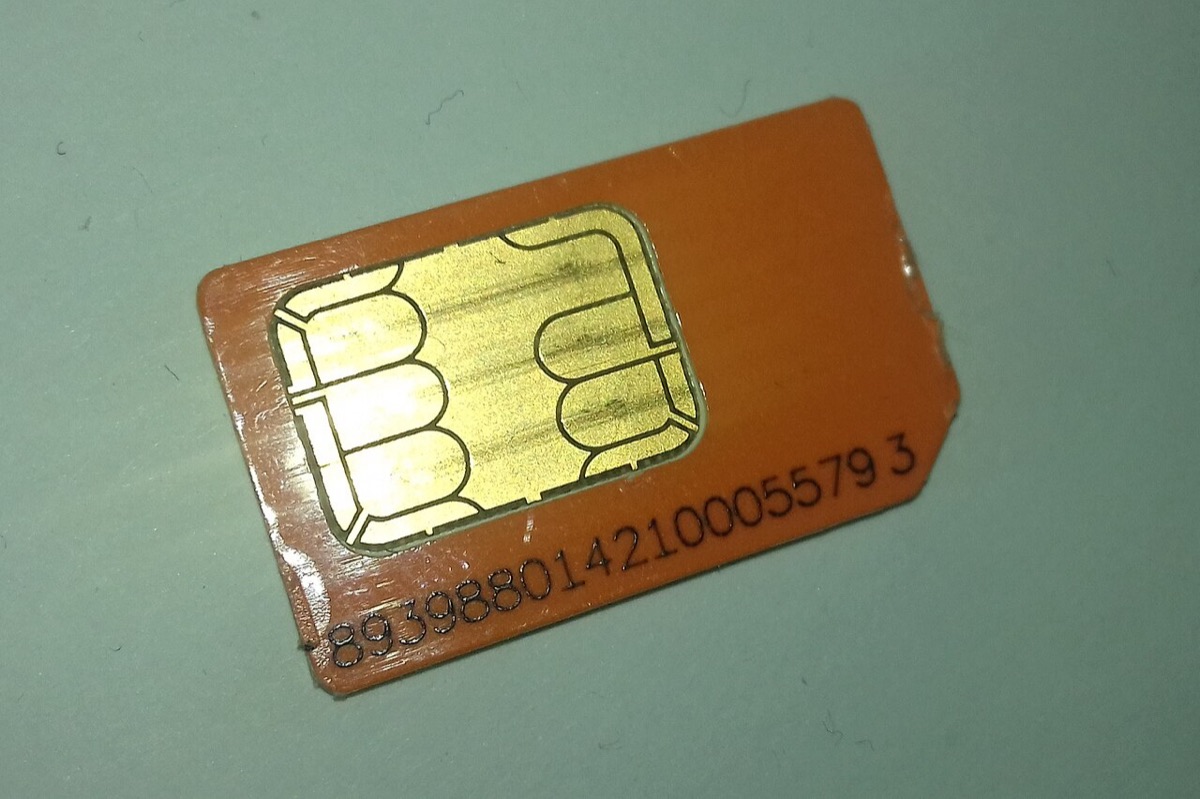

ICCID number on a SIM card
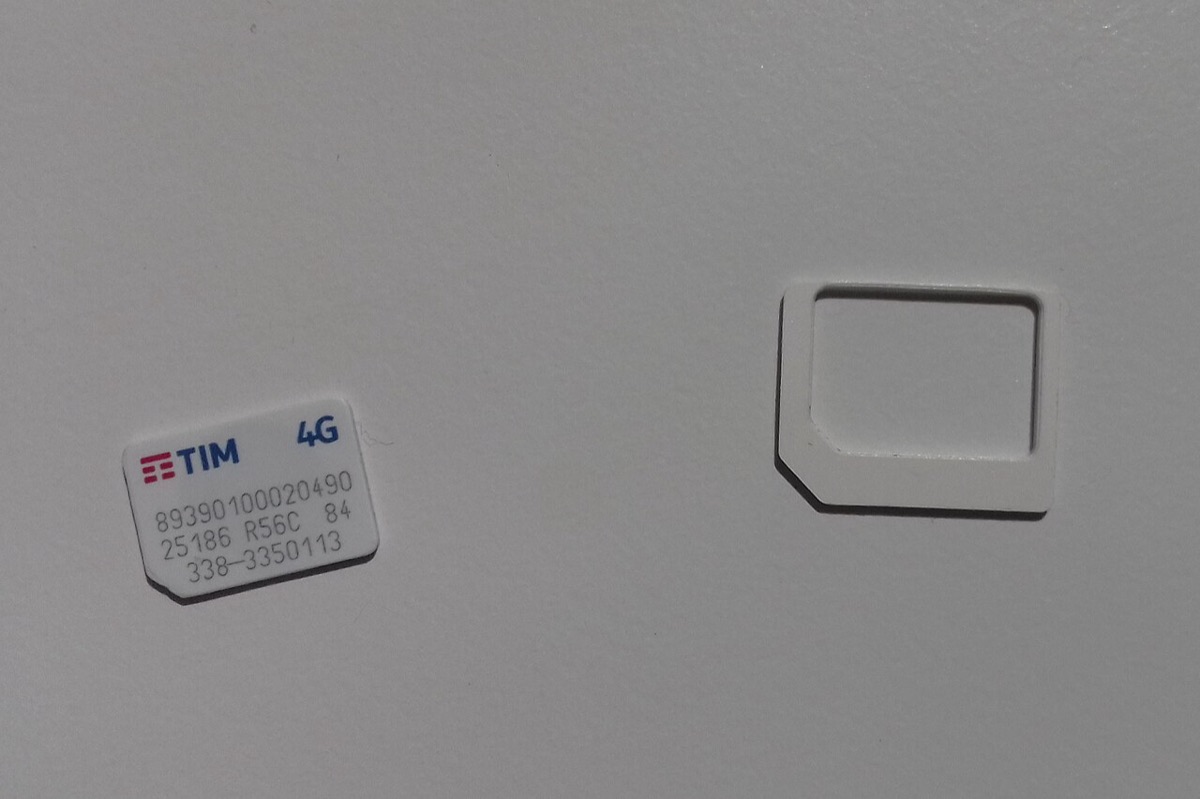
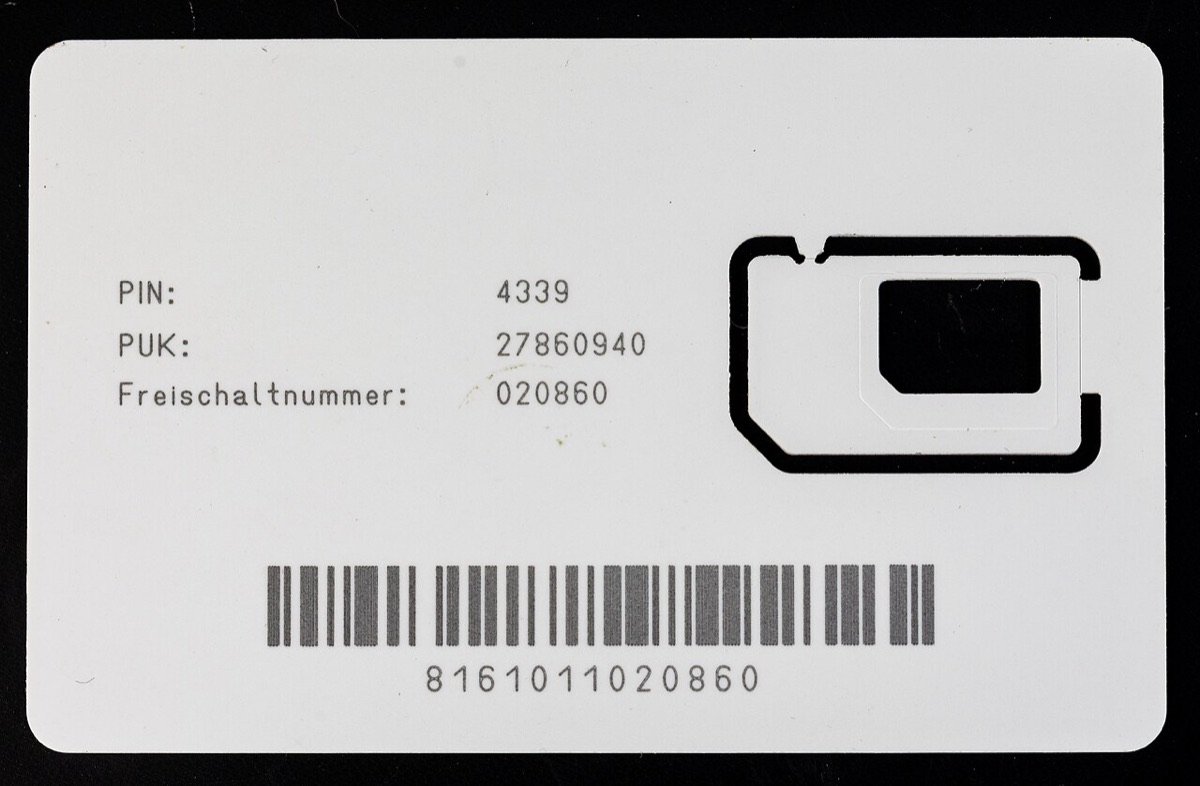
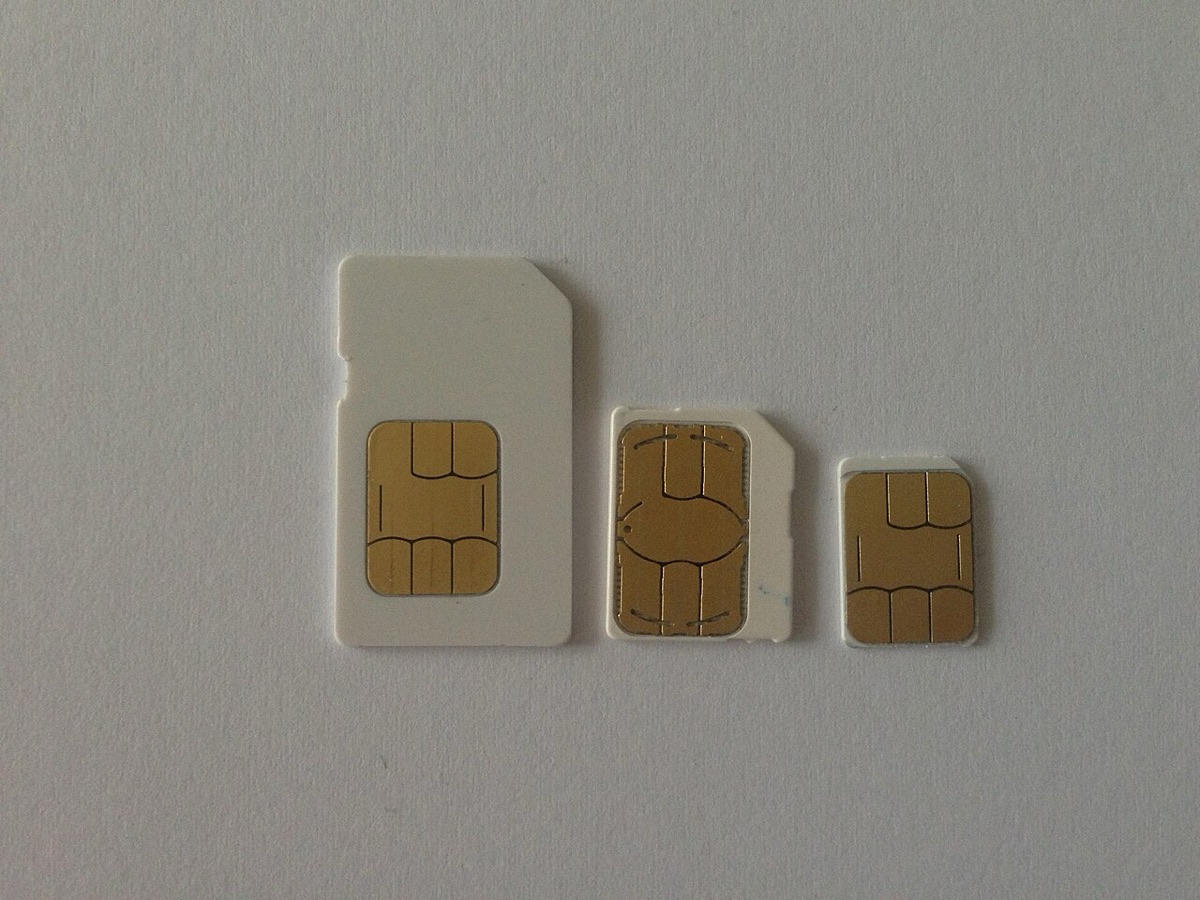
On a physical SIM, the ICCID is printed on the plastic. On a nano-SIM the print is minuscule, so look at the larger card the SIM was punched out of, or at the packaging, which usually repeats it with a barcode.


How to read an ICCID
The digits are not random. Under E.118 an ICCID splits into four parts. Here is the shape, using the first digits common to our own travel eSIMs and placeholders for the rest:
Anatomy of an ICCID
What 426 travel-eSIM ICCIDs show
We decoded the ICCID of every eSIM profile we delivered between 14 April and 3 November 2026. All 426 begin with 89. All are 19 or 20 digits long. And the country code inside them rarely matches where the customer was going:
| Issuing operator's country (code) | eSIM profiles | Share |
|---|---|---|
| Singapore (+65) | 115 | 27.0% |
| Israel (+972) | 93 | 21.8% |
| North America (+1) | 76 | 17.8% |
| Hong Kong (+852) | 61 | 14.3% |
| Belgium (+32) | 31 | 7.3% |
| Poland (+48) | 29 | 6.8% |
| Latvia (+371) | 8 | 1.9% |
| Austria (+43) | 6 | 1.4% |
| Japan (+81) | 6 | 1.4% |
| Other | 1 | 0.2% |
That is normal, and it explains a setting people trip over. Most travel eSIMs are issued by an operator in one country and roam onto local networks at your destination. A Singapore-issued profile can run on Japanese towers. Because your phone sees a foreign profile on a local network, it treats the connection as roaming, which is why the travel eSIM line needs Data Roaming switched on. The full logic is in data roaming on or off.
How to find the ICCID on iPhone
- Open Settings › General › About.
- Scroll down. Each SIM and eSIM has its own section with its own ICCID.
- Or connect to a Mac, select the iPhone in Finder, and click the phone number under the device name to cycle through EID, IMEI and ICCID.
iPhone
Settings › General › About
One ICCID per line
A dual-SIM iPhone lists each SIM separately. The travel eSIM has its own ICCID; your home SIM keeps its own. Touch and hold to copy.
How to find the ICCID on Android
Android
Settings › About phone › SIM status
Pick the SIM first
On dual-SIM Android phones, SIM status shows one line at a time. Choose the eSIM at the top, then read its ICCID. Some brands label it ICCID, others SIM card serial.

eSIM ICCID: what changes and what does not
| You do this | ICCID | EID | IMEI |
|---|---|---|---|
| Install a new travel eSIM | New one | Same | Same |
| Top up the same travel eSIM | Same | Same | Same |
| Delete an eSIM and buy another | New one | Same | Same |
| Move your number to a new SIM | New one | Same | Same |
| Move to a new phone | Same for a physical SIM, usually new for an eSIM | New | New |
The other two numbers have their own explainers: EID and IMEI vs EID vs ICCID.
ICCID vs phone number
They are different things. Your phone number (in carrier terms, the MSISDN) is assigned by the carrier and linked to a SIM in its records. Port your number or replace a lost SIM and the number moves to a SIM with a new ICCID. Travel eSIMs are usually data-only, so they have an ICCID and no number at all. More in does an eSIM have a phone number?

When you need your ICCID
- Support asks for it to find one exact eSIM. For a YonoSIM plan, your order email is enough; the ICCID is also on your plan page under the technical details.
- Two eSIMs look alike in Settings. Compare the first digits to tell the travel line from your home line.
- Activating a carrier SIM online, where the carrier asks you to type the number from the card.
Still setting up? Start with compatible devices, then the iPhone or Android activation guide.

FAQ
QWhat is an ICCID number?
AICCID stands for Integrated Circuit Card Identifier. It is the serial number of a single SIM card or eSIM profile, defined by the ITU's E.118 numbering standard. It is 19 or 20 digits long and always starts with 89, the identifier for telecommunications. Every new SIM or eSIM you install gets a new ICCID.
QWhere is the ICCID number on a SIM card?
AIt is printed on the plastic of the SIM card itself, and usually on the larger card the SIM was punched out of. Look for a 19- or 20-digit number starting with 89. On a nano-SIM the print is tiny, so the carrier card or the packaging is easier to read.
QHow do I find the ICCID on my iPhone?
AOpen Settings, tap General, tap About and scroll down. On a dual-SIM iPhone each SIM or eSIM has its own section with its own ICCID. You can also see it on a Mac in Finder by clicking the phone number under the device name.
QDoes an eSIM have an ICCID?
AYes. Each eSIM profile has its own ICCID, just like a plastic SIM card. The eSIM chip has a separate number, the EID, which never changes. If you install three travel eSIMs over three trips, you get three ICCIDs and keep one EID.
QIs the ICCID the same as my phone number?
ANo. The ICCID identifies the SIM or eSIM. Your phone number, technically the MSISDN, is assigned by the carrier and linked to the SIM in the carrier's systems. That is why a carrier can move your number to a new SIM with a new ICCID. Data-only travel eSIMs have an ICCID but no phone number at all.
QWhy would support ask for my ICCID?
ABecause it pinpoints one exact eSIM. A provider can look up its install state, data usage and network registration from the ICCID. At YonoSIM it is shown on your plan page under the technical details, and your order email is enough on its own, so you rarely need to type it out.
Related guides
- What is an eSIM and how does it work?
- What is an SM-DP+ address?
- What is an EID number?
- IMEI vs EID vs ICCID
- Is my phone eSIM compatible?
- Does an eSIM have a phone number?
- Is my phone carrier-locked?
- eSIM compatible devices (full list)
- How much data do I need for travel?
- How to check data usage on iPhone and Android
- Can you hotspot a travel eSIM?
- What does airplane mode do?
- eSIM setup on iPhone and Android
- How to activate an eSIM on iPhone
- How to activate an eSIM on Android
- Data roaming on or off?
Originally published on www.yonosim.com/en/blog/what-is-iccid-number-esim-2026 · YonoSIM — You Only Need One SIM