
What Is an IMEI Number? IMEI vs EID vs ICCID Explained (2026)
The IMEI is the 15-digit ID of your phone's radio; the EID identifies its eSIM chip; the ICCID identifies one SIM or eSIM profile. Here is where to find each, why dual-SIM phones have two IMEIs, and how to check whether a carrier lock will block a travel eSIM.

Published November 3, 2026·7 min read
30-day auto-refund on no usageSummary
An IMEI is the 15-digit number that identifies your phone to mobile networks. It belongs to the handset, the EID belongs to its eSIM chip, and the ICCID belongs to one SIM or eSIM profile. Dial *#06# or open Settings › General › About (iPhone) or Settings › About phone (Android) to see them.
A travel eSIM needs none of the three. It needs an unlocked phone, which on iPhone shows as “No SIM restrictions” next to Carrier Lock.
What is an IMEI number?
IMEI stands for International Mobile Equipment Identity. Google's Pixel help puts it simply: to use a mobile network, a phone needs an IMEI. Networks see it every time the phone connects, which is why carriers use it to check whether a phone is compatible, whether it is locked, and whether it has been reported stolen.
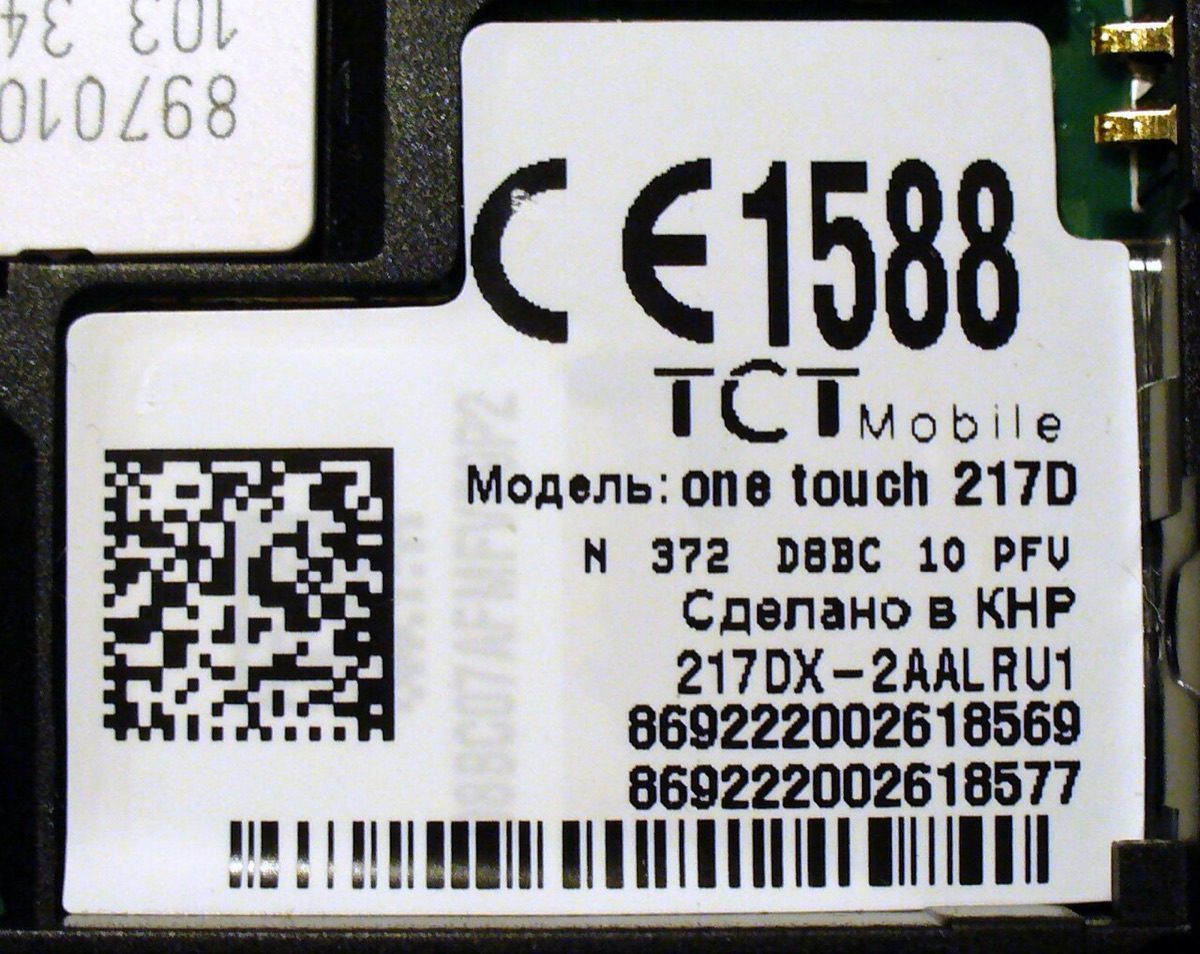
It is 15 digits. The first eight are the Type Allocation Code, which identifies the make and model, so every phone of the same model shares them. The next six are the unit's own serial, and the last digit is a check digit that catches typos.

IMEI vs EID vs ICCID
These three get confused constantly, partly because all three appear on the same settings screen. They identify three different layers:
| IMEI | EID | ICCID | |
|---|---|---|---|
| Identifies | The phone (its radio) | The eSIM chip | One SIM card or eSIM profile |
| Length | 15 digits | 32 digits | 19 or 20 digits |
| How many per phone | One per SIM line (often 2) | One, if the phone has eSIM | One per installed SIM or eSIM |
| Changes when | Never | Never | You install a new SIM or eSIM |
| Who asks for it | Carriers checking or unlocking a phone | Carriers pushing an eSIM to your chip | Support teams fixing one specific line |
| Travel eSIM needs it? | No | No | Only if you contact support |
Each has its own explainer: what is an EID number and what is an ICCID number.
How to find your IMEI number
| Method | iPhone | Android |
|---|---|---|
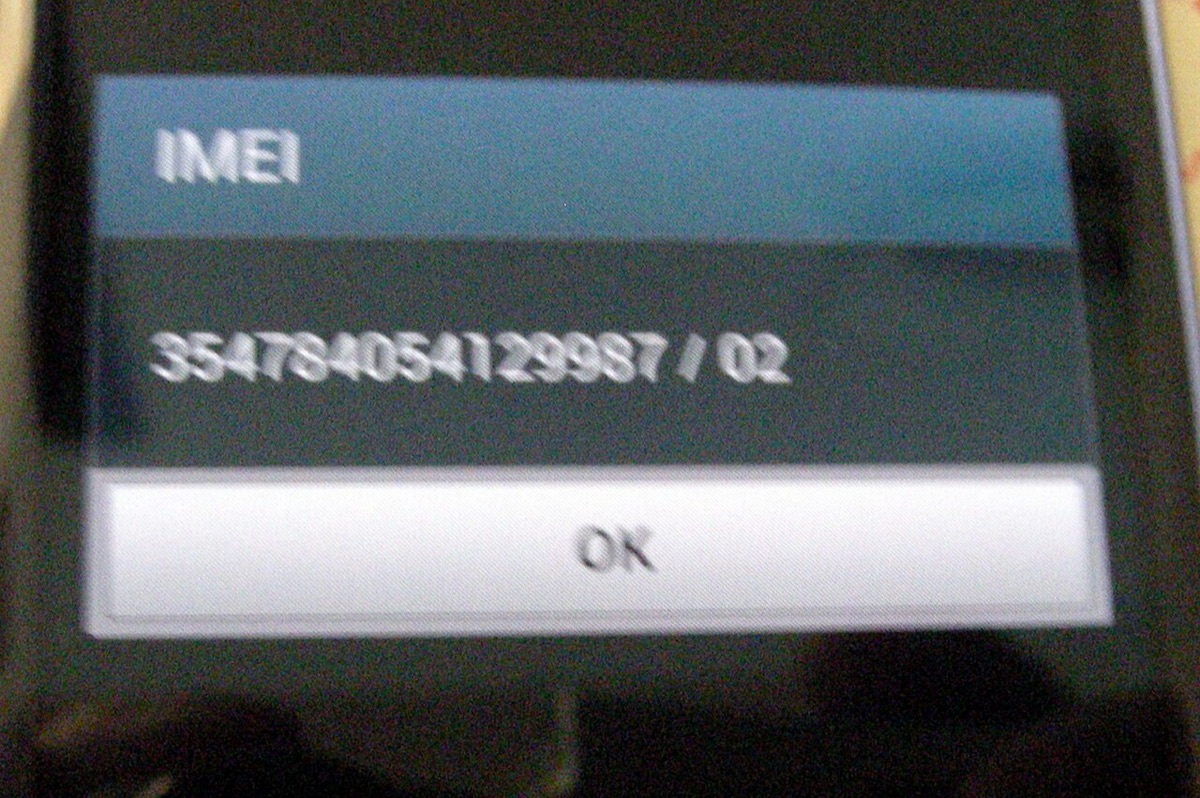
| Dial *#06# | Yes | Yes (Samsung: where the carrier supports it) |
| Settings | General › About | About phone |
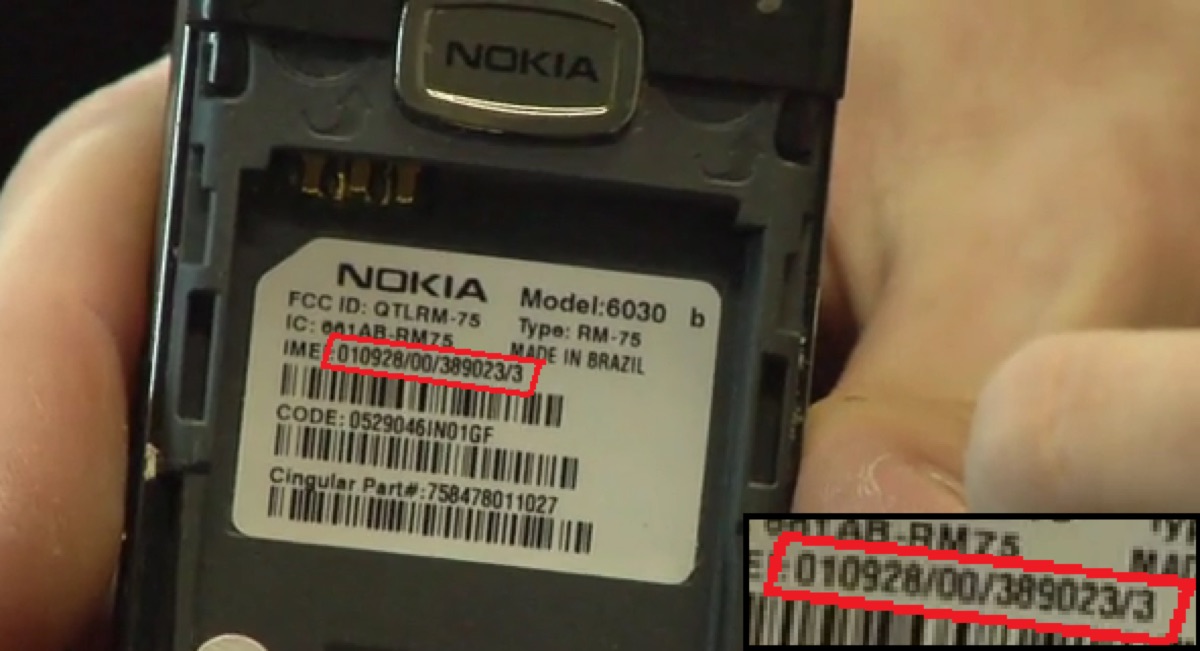
| Printed on the device | Not on iPhone 14 and later | SIM tray or back, on many models |
| Box | Yes | Yes |
| Computer or web | Finder: click the phone number under the device name | Google Find My Device › Information (Pixel) |
iPhone
Settings › General › About
The one row that matters for travel
No SIM restrictions means the iPhone is unlocked and will take any carrier's eSIM. Anything else (a carrier name) means it is locked to that carrier.
Google Pixel
Settings › About phone
Two IMEIs, two lines
Google: phones that use both eSIM and a SIM card have two IMEIs. IMEI (SIM slot 2) appears once dual-SIM is on. A carrier activating an eSIM second line may ask for it.
Any phone
Phone app › keypad › dial *#06#
Device Info
- EID
- 8904 XXXX XXXX XXXX XXXX XXXX XXXX XXXX
- IMEI
- 35 XXXXXX XXXXXX X
- IMEI2
- 35 XXXXXX XXXXXX X


Why dual-SIM phones have two IMEIs
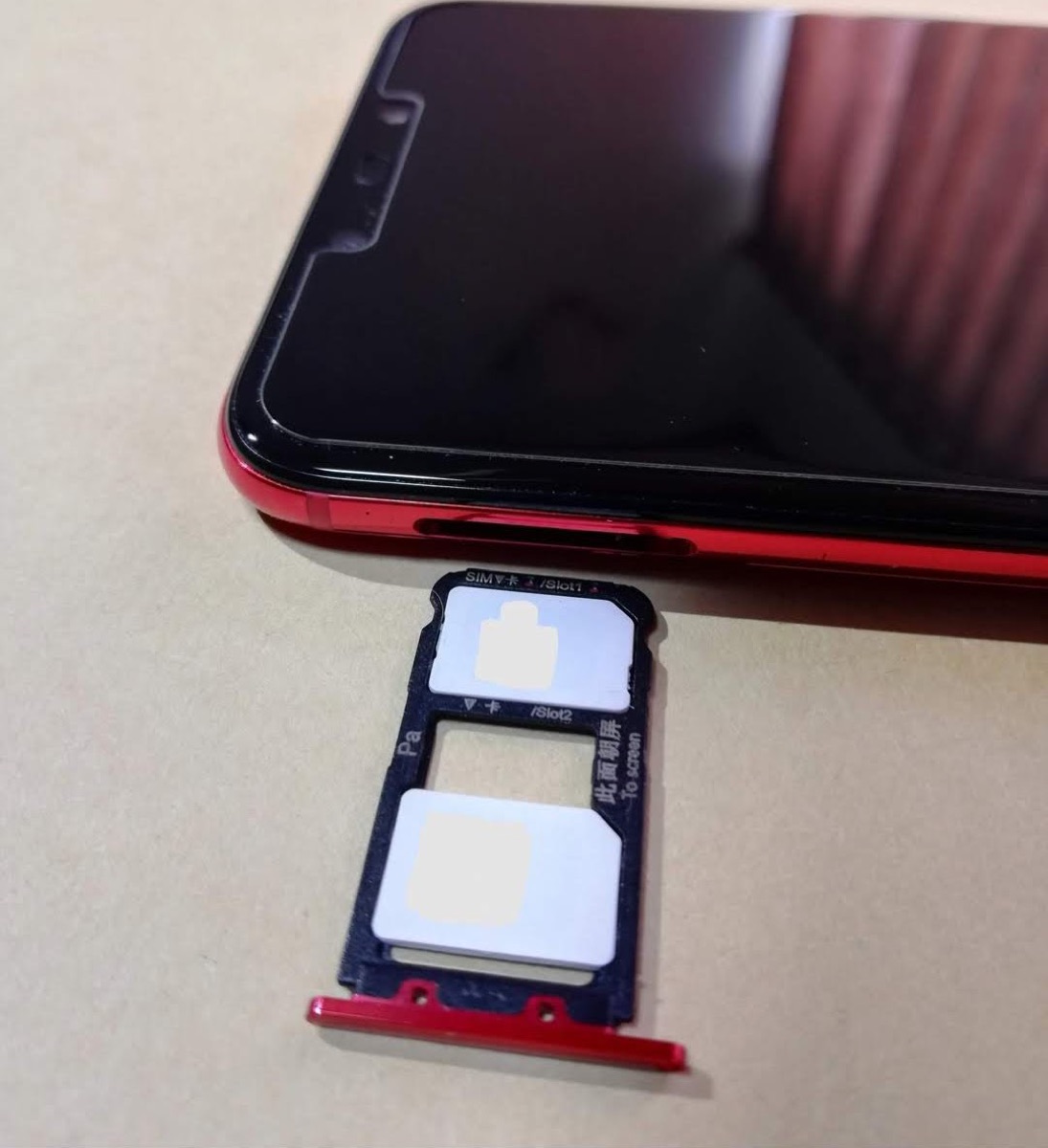
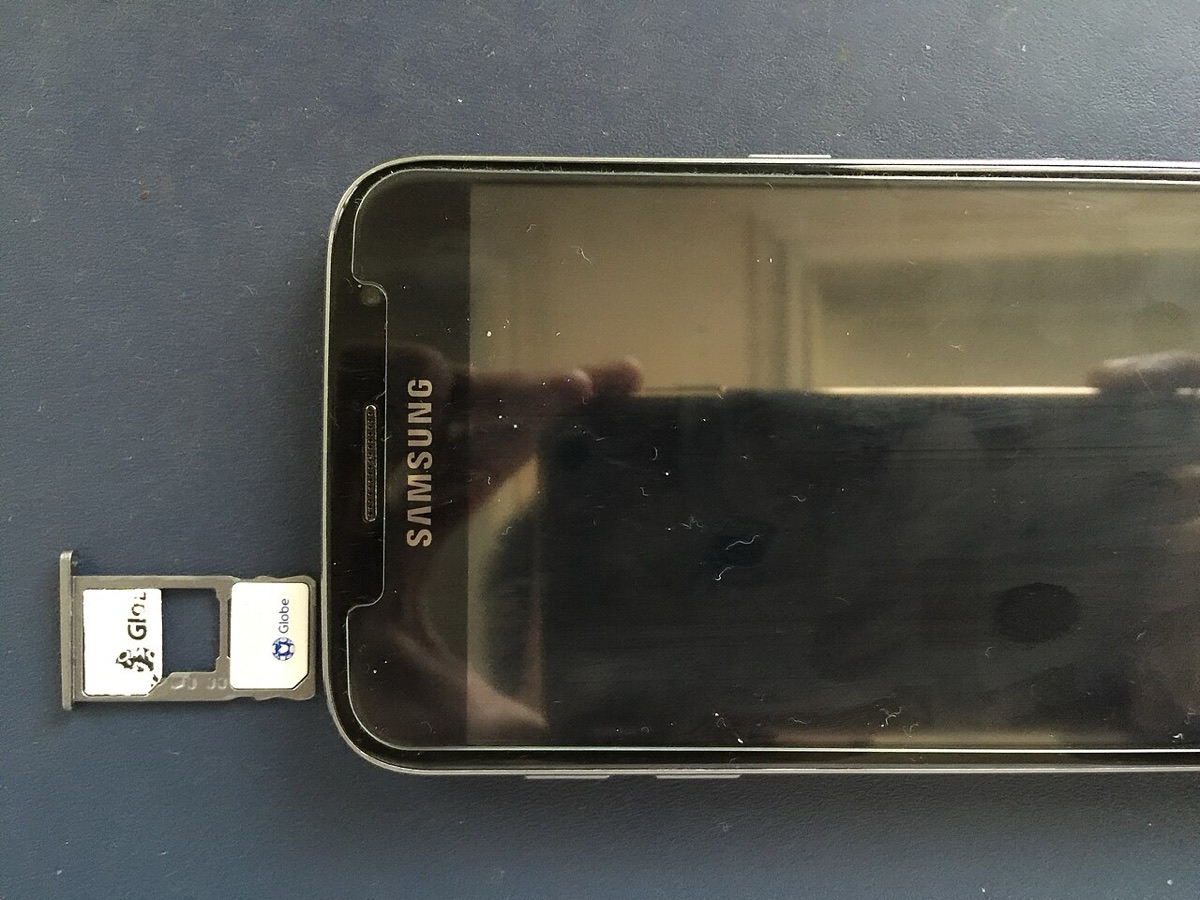
One IMEI per line. A phone with a SIM tray and an eSIM, or with two eSIMs, registers each line on the network separately, so each gets its own IMEI. That is also why a phone can hold your home SIM and a travel eSIM at the same time: two lines, two IMEIs, one handset. The setup is covered step by step in iPhone dual SIM for travel and Android dual SIM for travel.

Carrier locks: the IMEI check that actually matters
When you buy a phone on contract, the carrier can lock it to its own network. The lock is tied to the handset, and it means the phone will refuse a SIM or eSIM from anyone else, including a travel eSIM. This is the most common reason an eSIM installs fine on paper and then will not connect, or will not install at all.
- iPhone: Settings › General › About › Carrier Lock. “No SIM restrictions” means unlocked.
- Android: there is no single setting on every brand. The reliable test is a SIM or eSIM from a different carrier. If in doubt, ask your carrier whether the phone is unlocked before you travel.
- Locked? Your carrier can unlock it once the phone is paid off or the contract term is met. Do it at home, because it can take days.

Which number does an eSIM provider need?
| Situation | Number asked for |
|---|---|
| Buying a QR-code travel eSIM | None |
| Checking a phone works on a carrier before switching | IMEI |
| Carrier pushing an eSIM straight to your phone | EID (sometimes IMEI 2 as well) |
| Asking support about one installed eSIM | ICCID, or just your order email |
| Unlocking a phone | IMEI |
If you are not sure the phone takes eSIM at all, the quick checks are in is my phone eSIM compatible?, and the model list is on compatible devices. Once installed, follow the iPhone activation guide or the Android one, and set roaming the right way round with data roaming on or off.

FAQ
QWhat is an IMEI number?
AIMEI stands for International Mobile Equipment Identity. It is a 15-digit number that identifies your phone's cellular radio to mobile networks. It stays with the phone for life, whatever SIM or eSIM you put in it. Phones that use both a physical SIM and an eSIM have two IMEIs, one for each line.
QWhat is the difference between IMEI, EID and ICCID?
AThe IMEI identifies the phone (15 digits, one per SIM line). The EID identifies the eSIM chip inside the phone (32 digits, one per chip). The ICCID identifies a single SIM card or eSIM profile (19 or 20 digits, a new one for every SIM you install). Carriers use the IMEI to check and lock devices, the EID to push eSIMs to a chip, and the ICCID to manage a specific line.
QHow do I find my IMEI number?
ADial *#06# on the phone keypad, or look in Settings. On iPhone go to Settings > General > About and scroll down. On Android go to Settings > About phone. The IMEI is also printed on the box, and on many Android phones on the SIM tray. iPhone 14 and later no longer have it engraved on the body.
QWhy does my phone have two IMEI numbers?
ABecause it has two SIM lines. Google explains that Pixel phones using both eSIM and a SIM card have two IMEIs, one for each kind of SIM. A carrier activating an eSIM as your second line may ask for IMEI 2. A travel eSIM installed from a QR code does not need either.
QDo I need to give my IMEI to buy a travel eSIM?
ANo. A QR-code travel eSIM never asks for the IMEI. What matters is that the phone is not carrier-locked, because a locked phone refuses another company's eSIM no matter what its IMEI is. On iPhone, check Settings > General > About > Carrier Lock for 'No SIM restrictions'.
QCan someone do anything harmful with my IMEI?
AOn its own, very little: it identifies hardware, not your account. Its main uses are carrier compatibility checks, unlock requests and blocking a phone reported as stolen. Share it with your carrier or a repair shop when needed, but there is no reason to post it publicly.
Related guides
- What is an eSIM and how does it work?
- What is an SM-DP+ address?
- What is an EID number?
- What is an ICCID number?
- Is my phone eSIM compatible?
- Does an eSIM have a phone number?
- Is my phone carrier-locked?
- eSIM compatible devices (full list)
- How much data do I need for travel?
- How to check data usage on iPhone and Android
- Can you hotspot a travel eSIM?
- What does airplane mode do?
- eSIM setup on iPhone and Android
- How to activate an eSIM on iPhone
- How to activate an eSIM on Android
- Data roaming on or off?
Originally published on www.yonosim.com/en/blog/what-is-imei-number-esim-2026 · YonoSIM — You Only Need One SIM